
Guides / Service businesses
POS for service businesses in Kenya
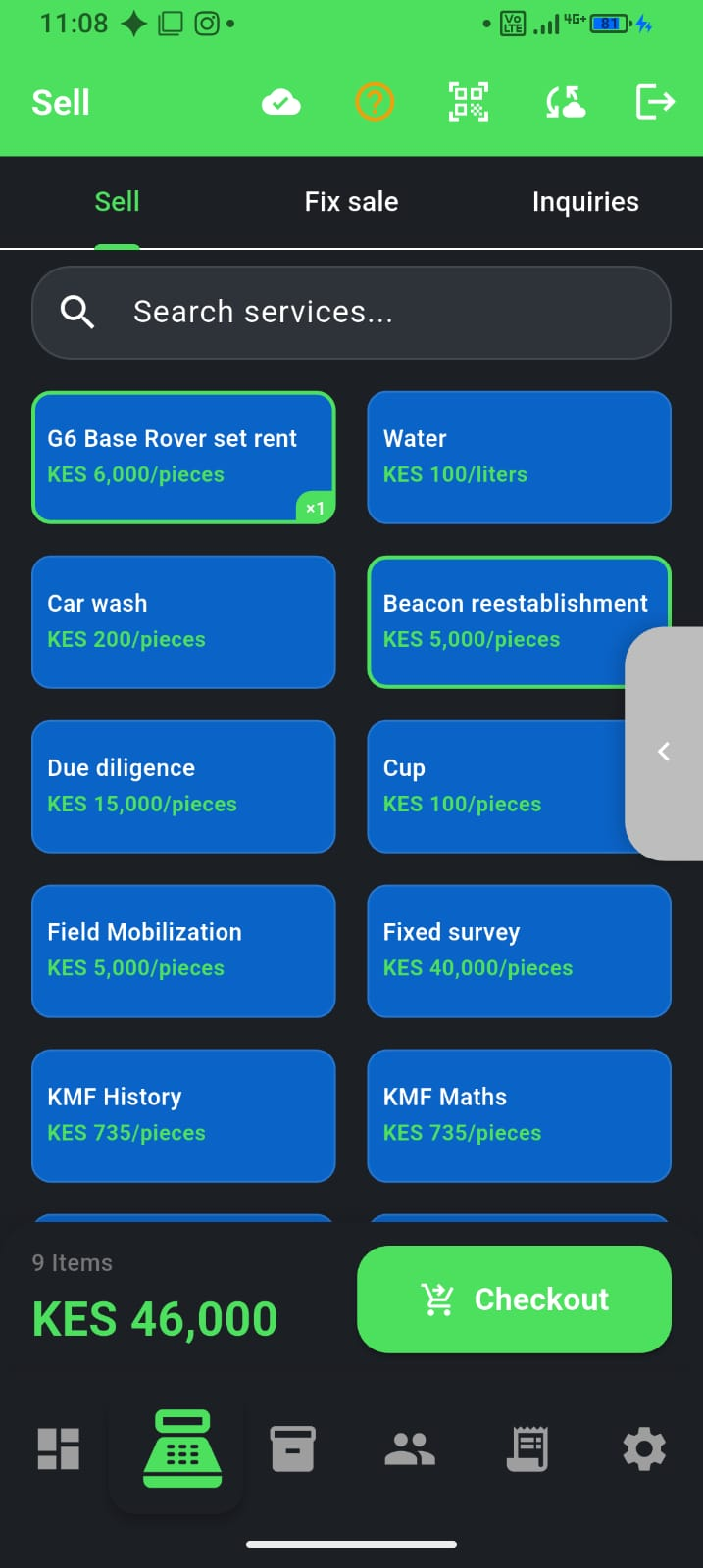
Salons, clinics, rentals, consultants, and repair shops do not live on shelf stock—they live on leads, booked clients, and jobs done. F-Biz service mode covers that path: catalogue of services, inquiries, thin bookings, and the same cash / M-Pesa / credit checkout as a duka.
Retail vs service in F-Biz
- Goods shops — inventory, barcodes, low-stock alerts
- Service businesses — services catalogue, inquiries (leads), bookings (date + time), convert to sale
- You choose the path when you create the business—it shapes menus and defaults
- Both modes support cash, M-Pesa, credit, and offline sync
Inquiries vs bookings
Under Sell (owner), service mode adds two tabs next to the till. Use the right one so your pipeline stays honest:
| Use | Inquiries | Bookings |
|---|---|---|
| When | Someone asked—call, walk-in, WhatsApp—not yet a confirmed slot | They have a date and time (or you agreed one) |
| Who | Lead name + phone (optional link to an existing client) | Pick a client, or add a new client first |
| Service | Pick service of interest from your catalogue | Pick the service from your catalogue |
| Next step | Follow up → Convert to sale when they buy | Start sale when they show; mark no-show or cancel if not |
Bookings are a simple list (today / upcoming / past)—not a full salon calendar with staff grids or public online booking.
Inquiry workflow
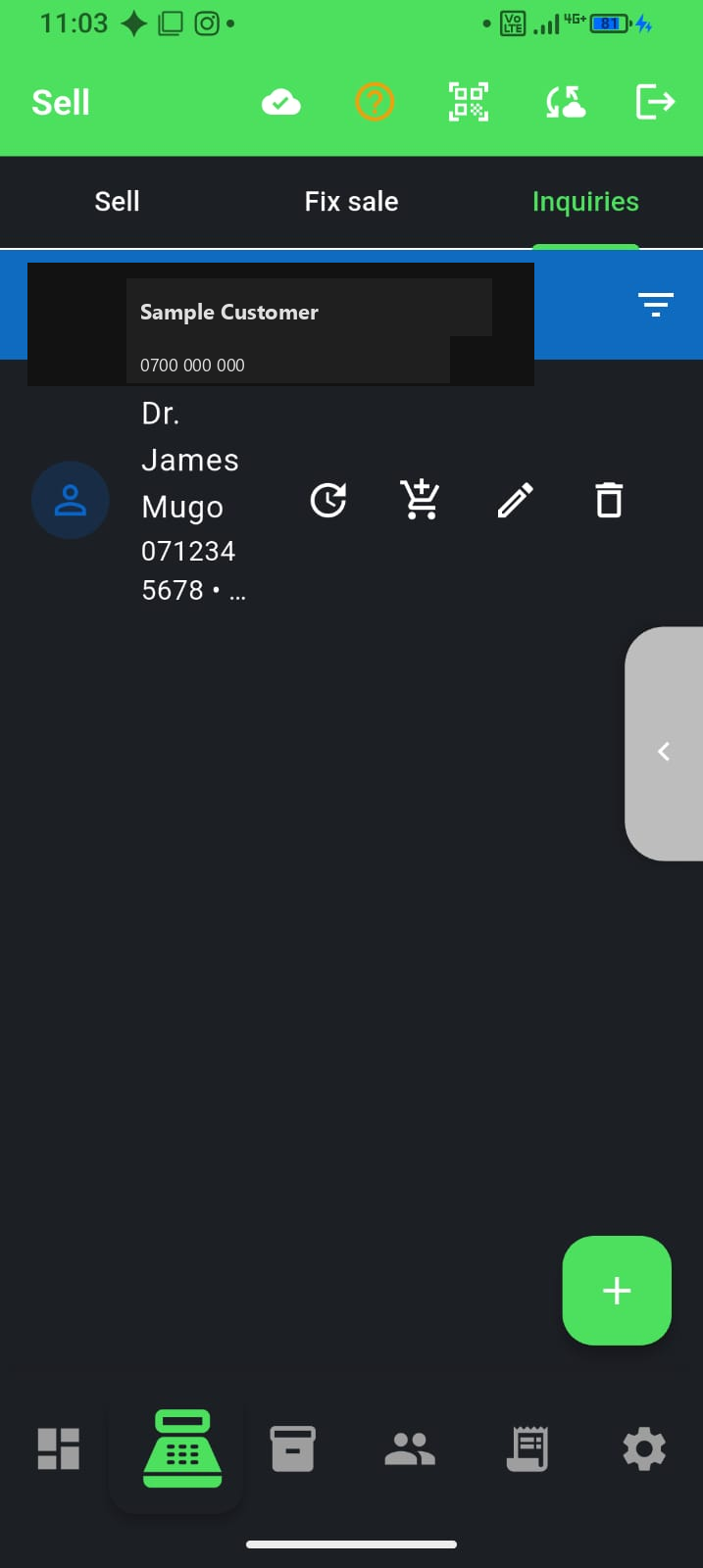
- Open Sell → Inquiries and add a lead (name, phone, source, service of interest)
- Log follow-ups and next dates so warm leads do not die in chat
- When they pay, Convert to sale—checkout opens with the customer ready
- If they book a slot later, create a booking under Sell → Bookings (same person can become a client)
Booking workflow
- Open Sell → Bookings (or tap “bookings today” on the dashboard when you have any)
- Add booking: select or add client, pick service, set date and time
- Filter Today / Upcoming / Past so the chair list stays clear
- When they arrive, Start sale—POS opens with the client; after sync the booking marks done
- No-show or cancel from the booking menu so the list stays trustworthy
Why not a notebook?
Leads die in chat threads; booked clients disappear on sticky notes. Inquiries and bookings in F-Biz sit next to customers and sales history—so you know who came back, what they paid, and whether they still owe you. Pair with our credit guide if you bill after the job.
Getting started
- Add your top services with prices (haircut, consultation, site visit, daily rate)
- Use Inquiries for WhatsApp and walk-in interest
- Use Bookings once you agree a date and time
- Skip deep inventory setup unless you also sell products at the same counter