
Guides / Notebook vs POS
Notebook vs Excel vs POS for a duka
Most Kenyan shops start with a hardcover book. Some graduate to Excel on a laptop. The question is not which tool is “modern”—it is when the old system starts stealing profit.
What each tool is good at
- Notebook — cheap, always “online,” no training. Breaks when the queue is fast or two people sell.
- Excel / Sheets — good for month-end analysis if you have a laptop and discipline. Weak at the live counter.
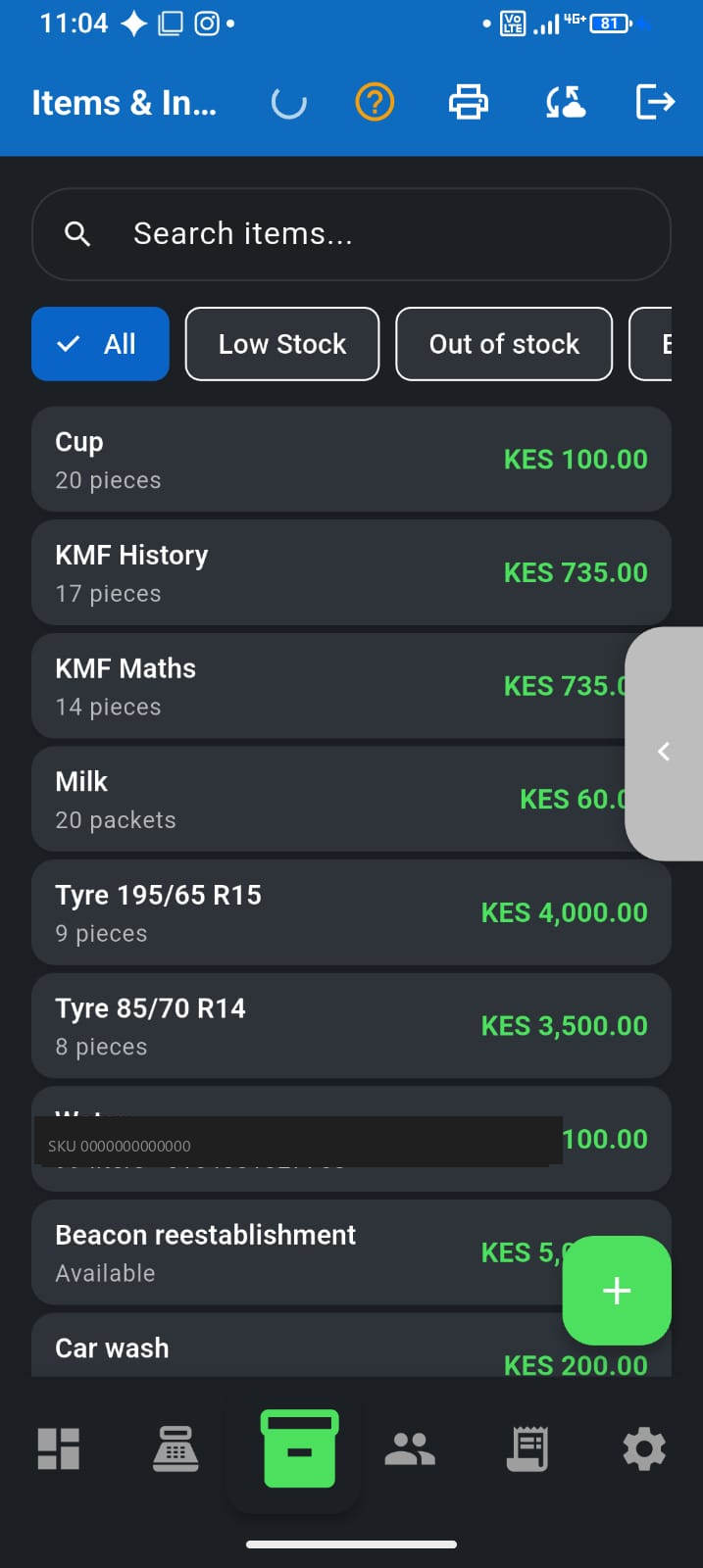
- POS on a phone — records the sale as it happens, updates stock, and keeps day totals without rewriting pages.
Signs you have outgrown the notebook
- You cannot say what you made yesterday without reconstructing M-Pesa + cash from memory
- Stock “runs out” of items you thought you had
- Deni balances cause arguments because the page is missing or unclear
- A cashier or family helper sells while you are away—and numbers never quite match
- You want a SACCO or supplier to take your sales story seriously
Why Excel still fails at the till
Spreadsheets are powerful for analysis, but a busy counter needs seconds—not opening a file, finding the right row, and hoping nobody typed 500 instead of 50. Excel also does not help when internet is down and the sheet lives in the cloud.
A practical migration path
- Keep the notebook for a week as backup if it makes you calmer
- Put your top 20–50 sellers into a phone POS (not the whole warehouse on day one)
- Record every sale at the counter for 7 days
- Compare Friday’s notebook total with the app—fix process, not “the app”
- Retire the book for daily sales once you trust the habit
Where F-Biz helps
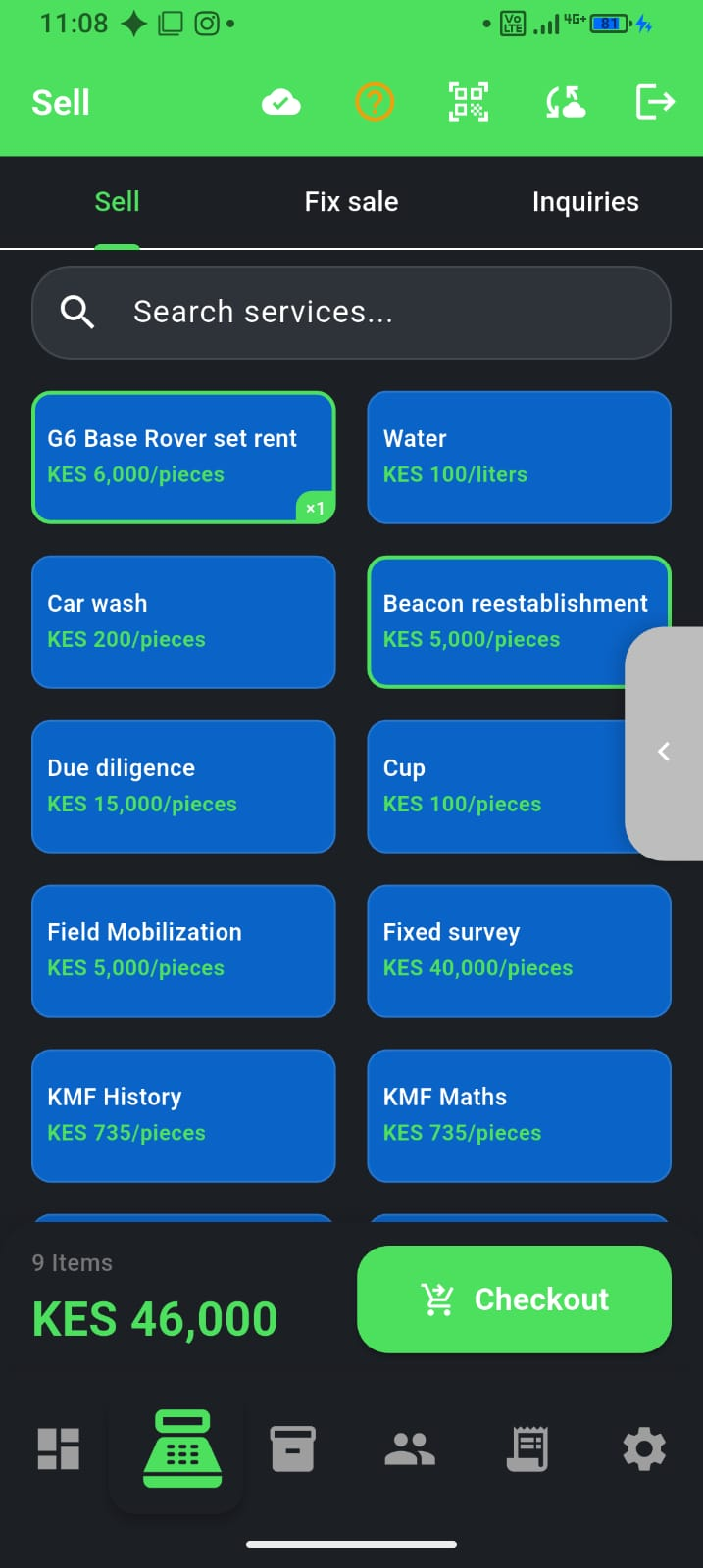
F-Biz by Fayvad replaces the daily sales book with an offline-first Android till: sell, stock, deni, and M-Pesa-ready records without needing a PC. See first 30 minutes and duka inventory.