Guides / Daily reconciliation
End-of-day reconciliation for your shop
Most shrinkage is not theft—it is unrecorded sales, mixed payment types, and credit that never got written down. Ten minutes at closing with F-Biz saves hours of arguing with yourself tomorrow.
What to match each evening
- Cash sales in F-Biz vs notes and coins in the drawer
- M-Pesa sales in F-Biz vs your till or personal M-Pesa statement
- Credit sales recorded today—money not in the till yet, but stock already gone
- Expenses paid from the drawer (transport, snacks for staff, small purchases)
Read the dashboard first
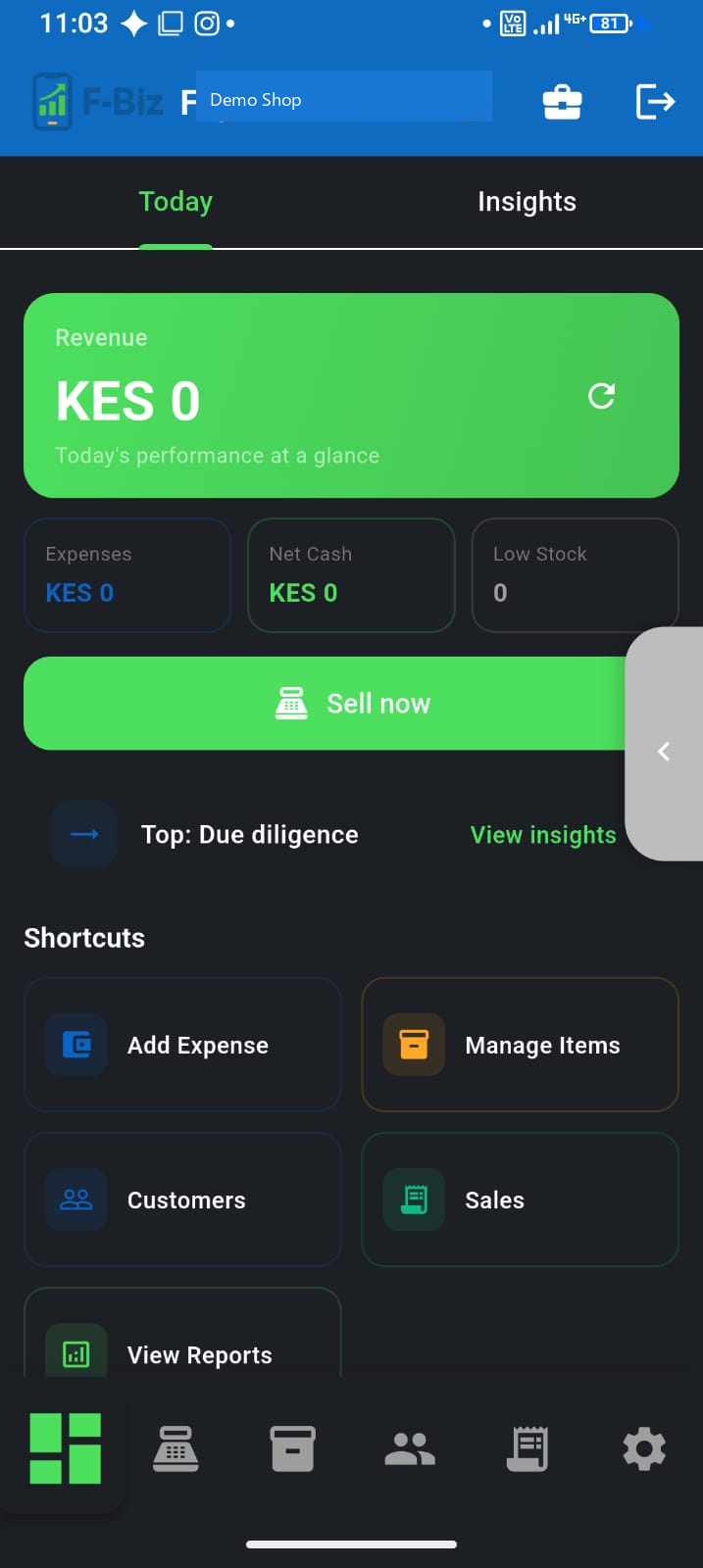
On both Mini and Full dashboards you will see two numbers side by side:
- Sales today — stock that left the shelf (cash, M-Pesa, and credit sales)
- Collected today — cash and M-Pesa actually in the till today, including debt payments recorded with Record Payment
A credit sale bumps Sales today but not Collected today until the customer pays. Do not treat a deni payment as a second sale—it belongs in Collected today. Sales vs collections →
Five-minute closing routine
- Check the dashboard: Sales today, Collected today, and net cash after expenses
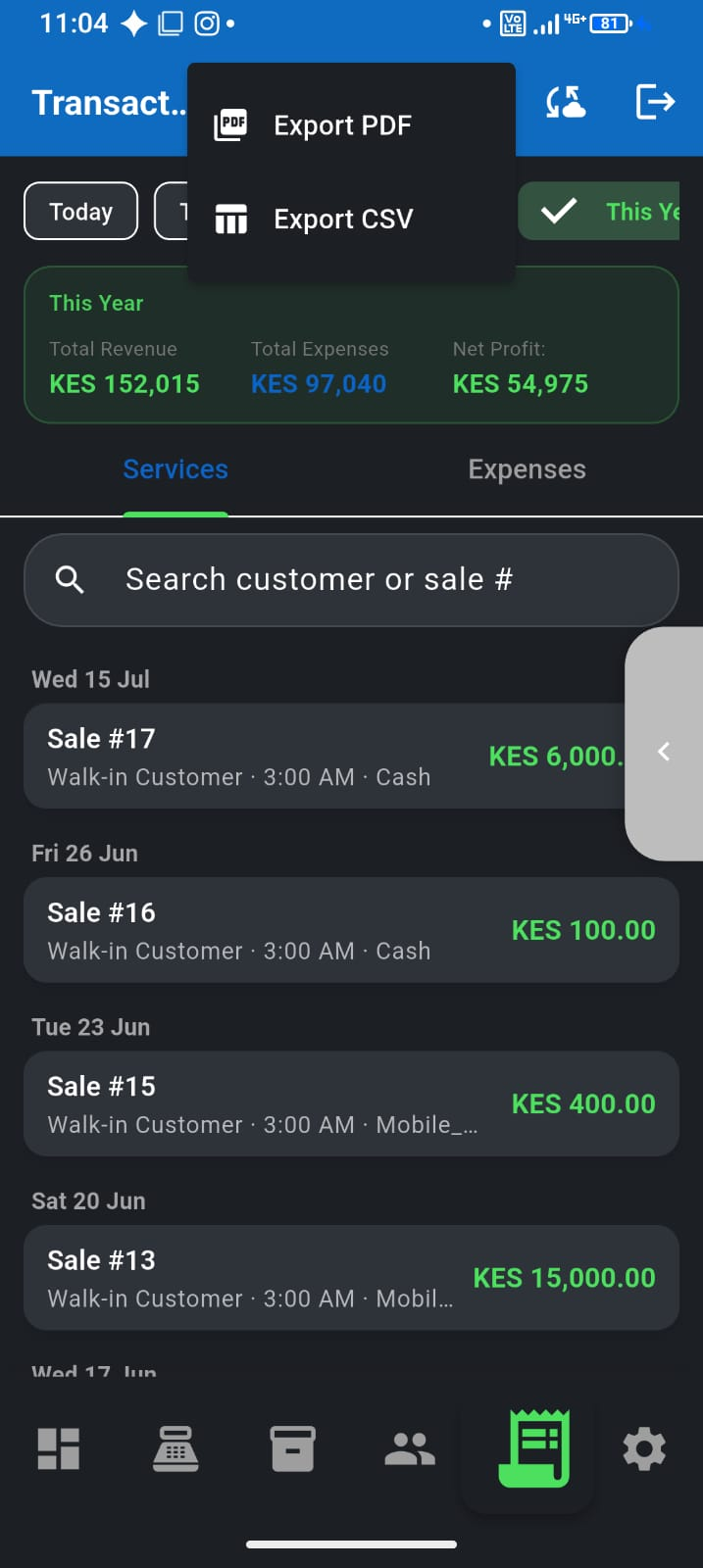
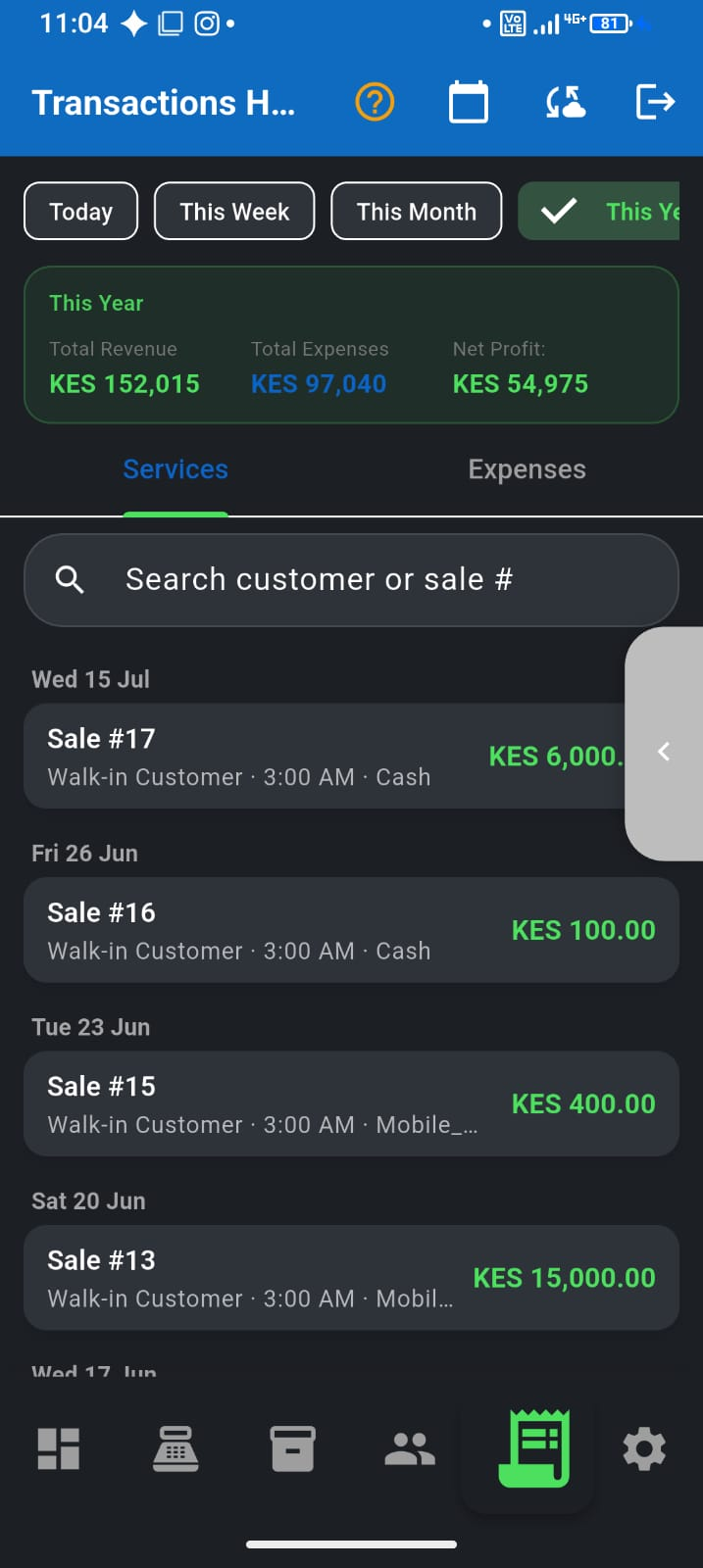
- Open Transactions and filter to Today
- Count physical cash against Collected today (cash portion); match M-Pesa to your till statement
- Record any deni payments received since morning—Customer → Record Payment—before you close
- Resolve any pending sync badge if shown (common after offline credit sales with new customers)
When numbers do not match
Common causes: a sale rung after you counted, M-Pesa recorded as cash, or a walk-in credit sale with no customer selected. Use Fix sale in the app to void mistaken receipts and re-enter them correctly. See our M-Pesa POS guide for payment-type habits that prevent mix-ups.
Export for records
Weekly or monthly, export your transaction summary for your accountant, SACCO, or loan officer. Consistent records beat a perfect memory when you need proof of business performance.