
Guides / M-Pesa POS
M-Pesa POS for shops in Kenya
Most Kenyan counters mix cash and M-Pesa. A good POS does not replace Lipa Na M-Pesa— it makes sure every payment is recorded against stock and customers.
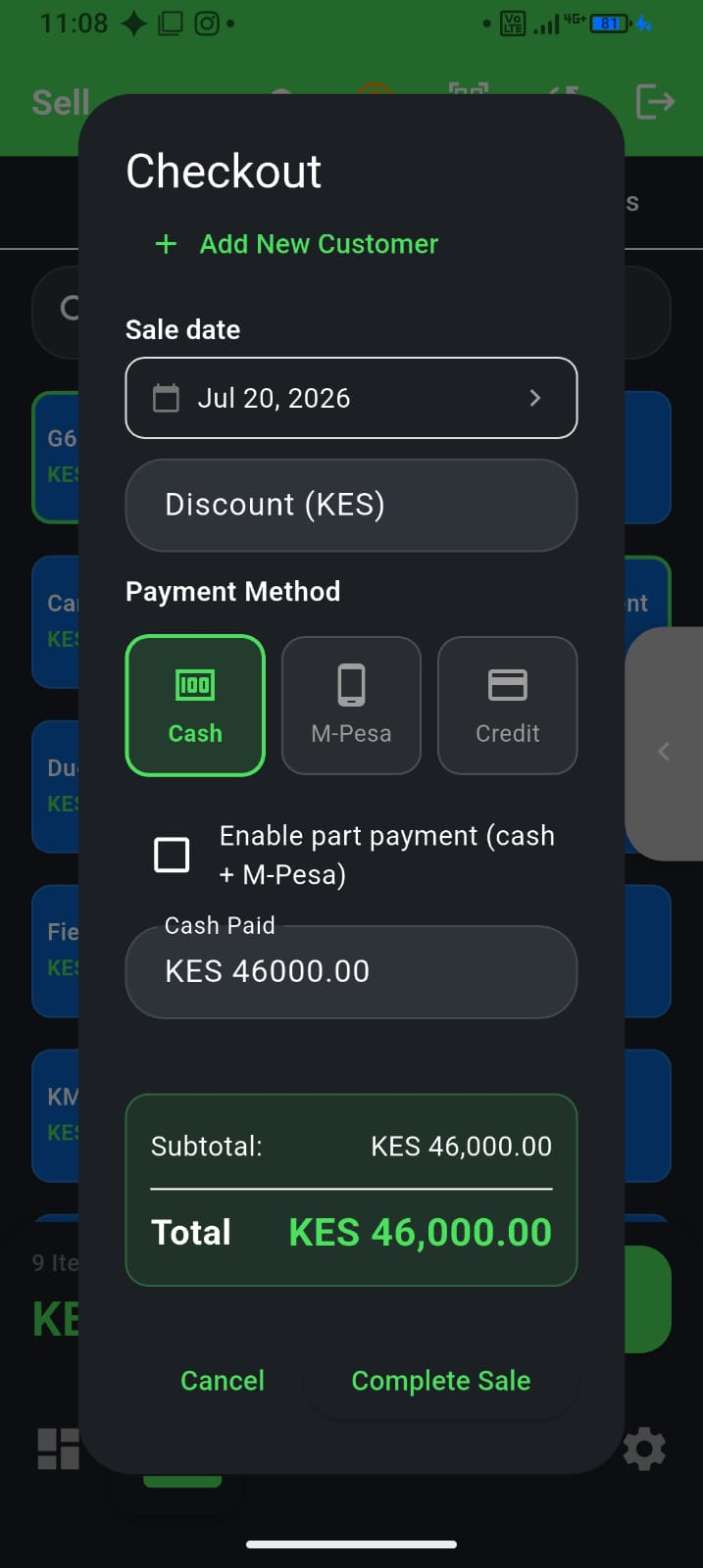
Free vs Pay As You Go at checkout
- Free plan: record cash sales (up to 100 lifetime sales). You can still take Lipa Na M-Pesa at the till—record the sale as cash and reconcile with your M-Pesa messages at close.
- Pay As You Go (PAYG): checkout also offers Mobile money with an optional M-Pesa reference from the customer's SMS.
- F-Biz does not send STK push to your customer at checkout. STK is for your own subscription and PAYG credit top-ups only.
See pricing and PAYG credits.
What F-Biz helps you do
- Record sales paid by M-Pesa alongside cash (PAYG and above at checkout)
- Keep stock moving with the sale—not in a separate notebook
- See day totals and history when you reconcile in the evening
- Use the same app online or offline (cash stays available offline)
Counter habit that works
- Ring the cart in F-Biz (Sell)
- Customer pays on their phone (Lipa Na M-Pesa) or with cash
- At checkout: choose Cash or Mobile money (PAYG+) and confirm the amount
- Add the M-Pesa reference from the customer's SMS when you want a paper trail
- Complete the sale—stock updates with the payment type you chose
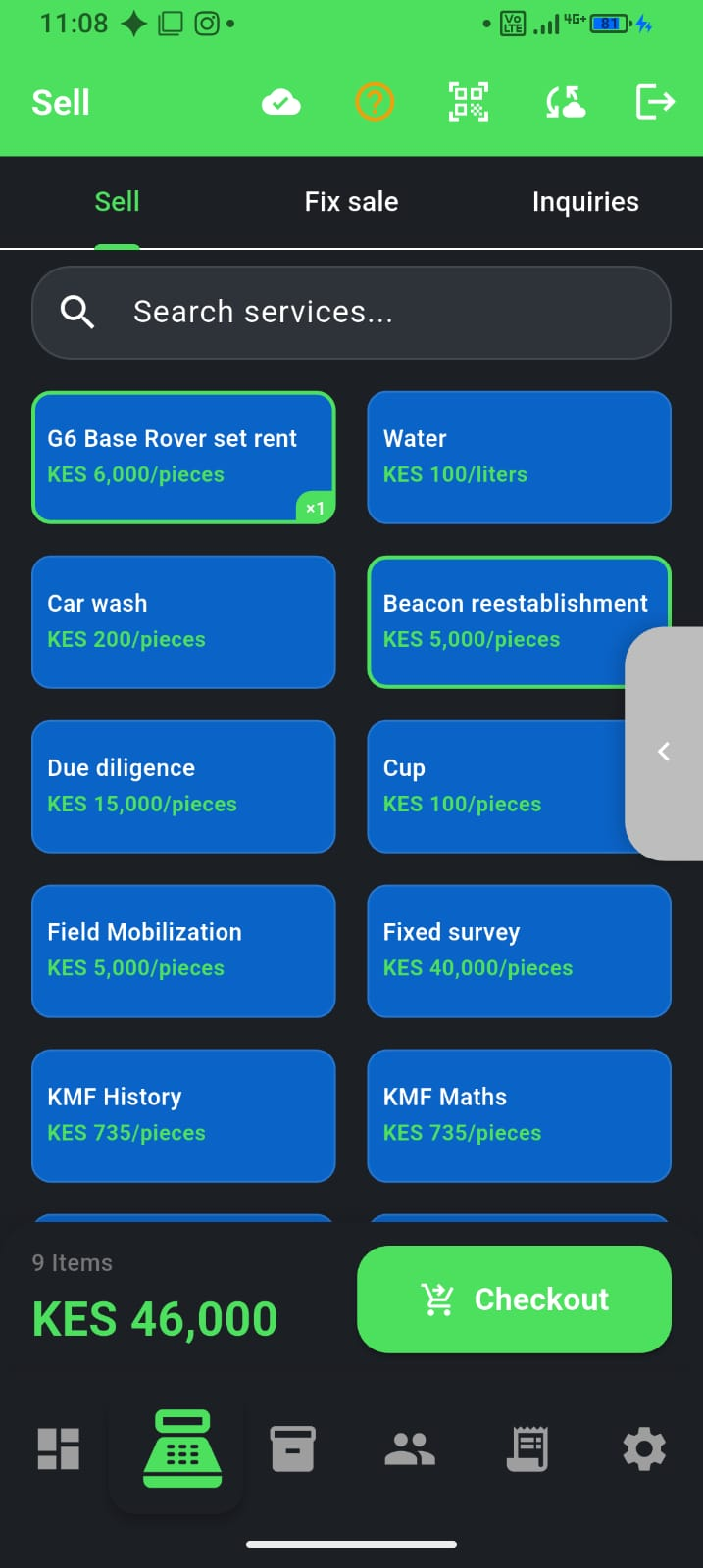
Close the day cleanly
M-Pesa mix-ups usually show up at closing—not at checkout. Use our end-of-day reconciliation guide to match till, M-Pesa, and F-Biz totals before you leave.
Who this is for
Supermarkets, mini-marts, and any counter where Lipa Na M-Pesa is as common as cash. See F-Biz for supermarkets for end-of-day reconciliation habits at scale.
Built for Kenya by Fayvad
F-Biz is from Fayvad Geosolutions—not the Brazilian agency also called “F.biz.” We focus on MSME retail with M-Pesa, offline sync, and Kiswahili support.