
Guides / Find & fix sales
Find a sale and fix mistakes
Wrong item, wrong amount, or a double tap—it happens. F-Biz keeps a clear transaction history so you can find the ticket, and owners can void recent sales with Fix sale.
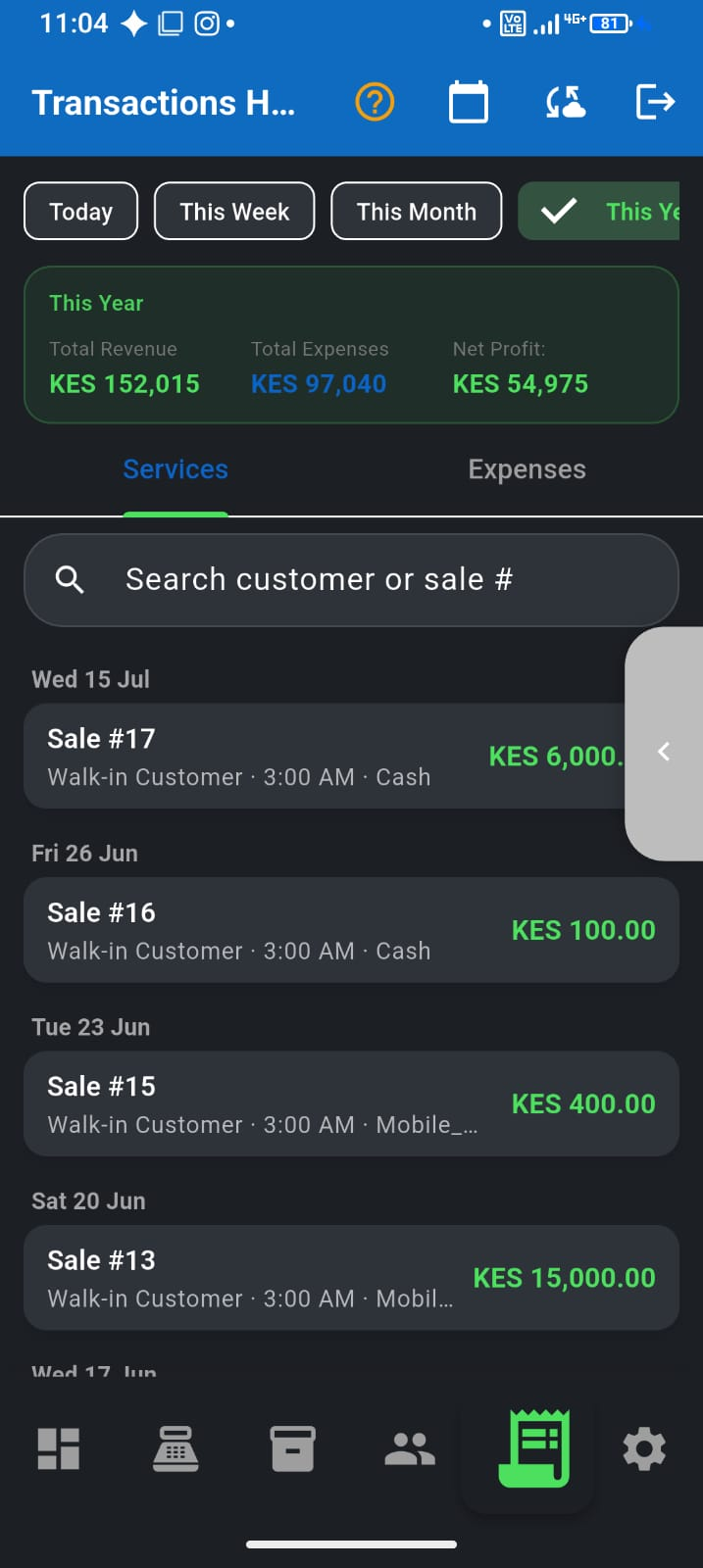
Use transaction history
- Open Transactions (Full mode bottom bar)
- Find the sale by time, amount, customer, or receipt details
- Open the sale to review line items, payment method, and receipt
- Export or share records when you need proof for a dispute or loan pack
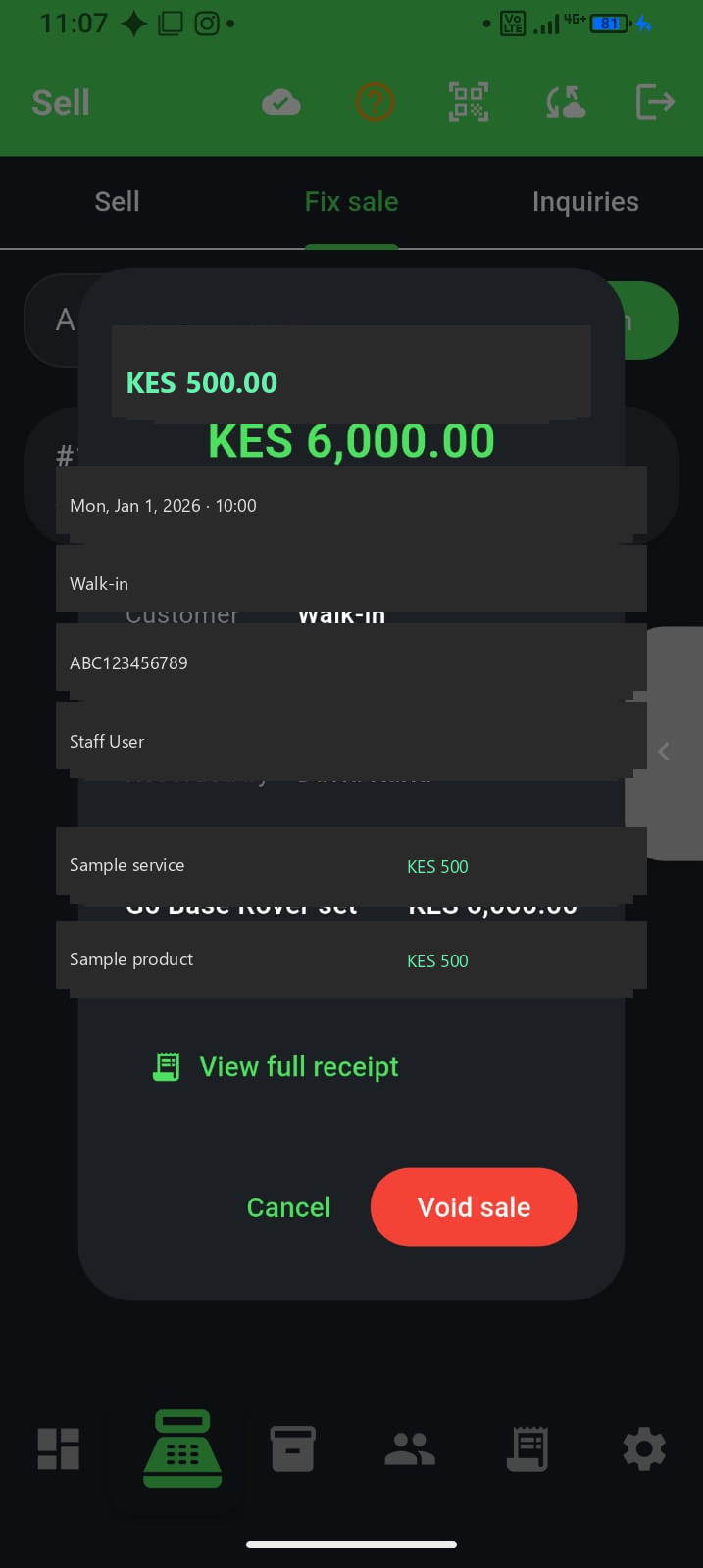
Fix sale (owners)
Fix sale lists recent non-voided sales (about the last 7 days). Search by amount if you remember the total, open the sale, confirm details, then void.
- Voiding reverses the sale impact (including stock and PAYG credits where applicable)
- Confirm carefully—void is for real mistakes, not routine edits
- Staff/cashier roles typically cannot void; ownership keeps the till accountable
Good habits
- Fix mistakes the same day when possible
- Prefer void + re-sell over “adjusting memory” in a notebook
- Reconcile cash and M-Pesa after busy voids so the till still matches
- Voiding a credit sale clears that ticket—record real deni payments with Record Payment, not by inventing a second sale
What to read next
- End-of-day reconciliation
- Sales vs money in the till
- Receive & adjust stock — if the mistake was inventory, not the ticket
- Turbo checkout for busy counters