Resources
Guides for Kenyan shop owners
How to set up F-Biz and run the shop day to day—step by step on your phone.
Business habits—not just app how-tos: F-Biz Learn →
Running a chemist, hardware, supermarket, or agrovet? See industry-specific examples →
Start here
First week path—follow in order if you are new. In the app, the green Get your first sale card on the dashboard mirrors step 1.
- First 30 minutes Install, follow the in-app checklist, record your first sale.
- Mini or Full mode Pick a lighter counter (Simplify Experience) or the full six-tab app.
- M-Pesa at the counter Record Lipa Na M-Pesa cleanly so money and stock stay aligned.
- Expenses and real profit Net cash in the till—not just today's sales.
- Track customer deni Know who owes you—add at checkout, record staggered payments.
- Close the day Match Sales today, Collected today, cash, and M-Pesa before you leave.
What do you want to do?
Jump straight to a common task.
All guides
Getting started
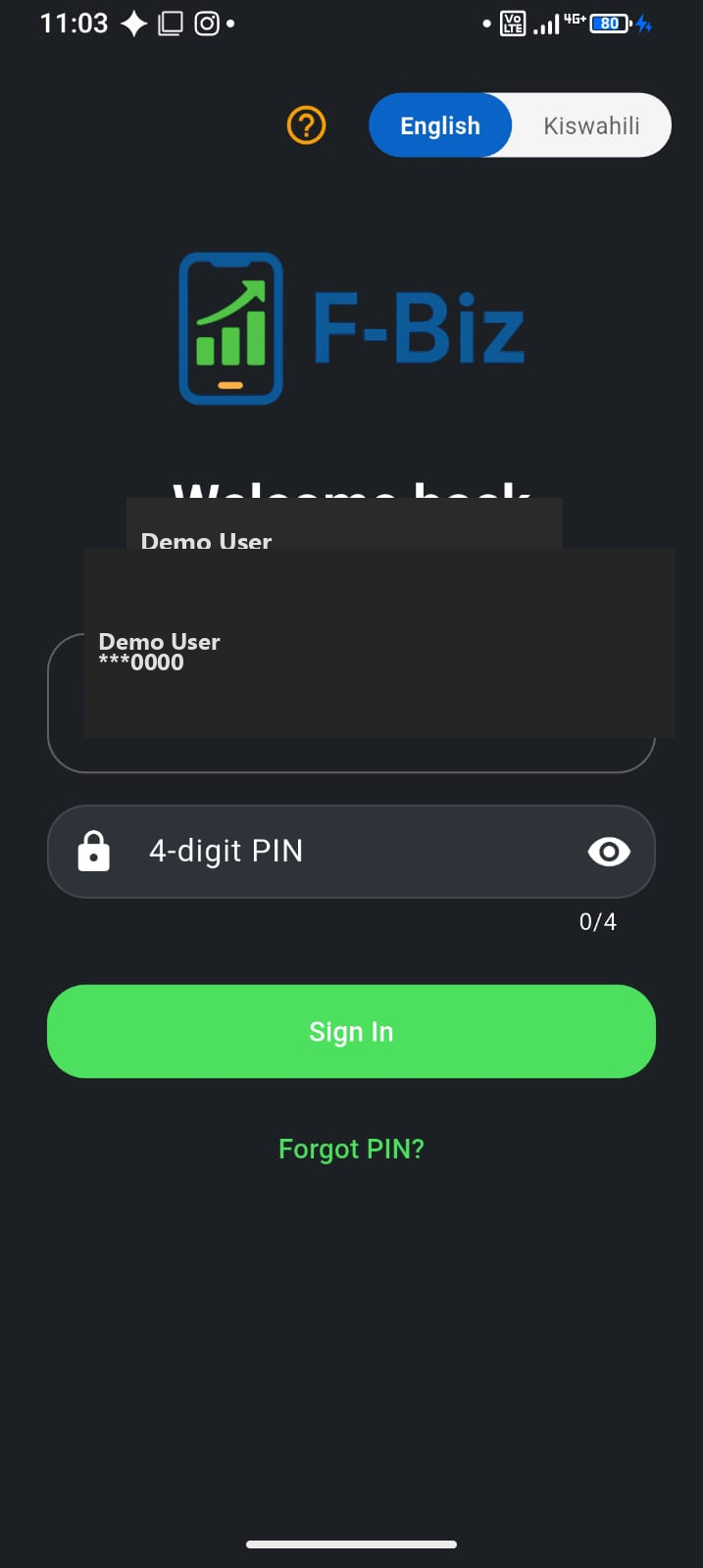
First 30 minutes with F-Biz
Install, use the in-app checklist, and record your first sale—step by step.
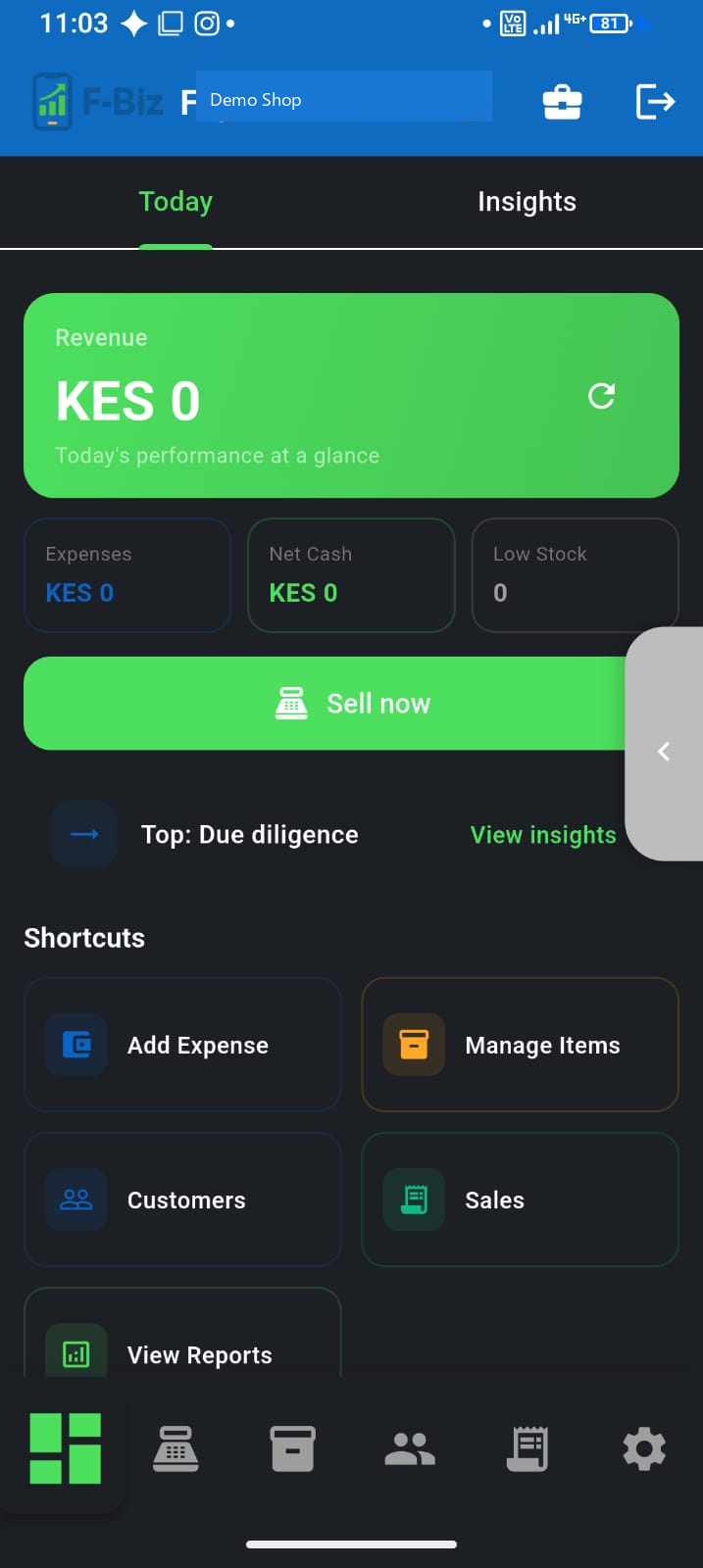
Mini mode vs Full mode
Simplify Experience for a lighter counter—or use the full six-tab app.
Use F-Biz in Kiswahili
Switch language at login—English and Kiswahili built in.
Switch phones without losing data
Sign in on a new device and sync your business back.
Daily operations
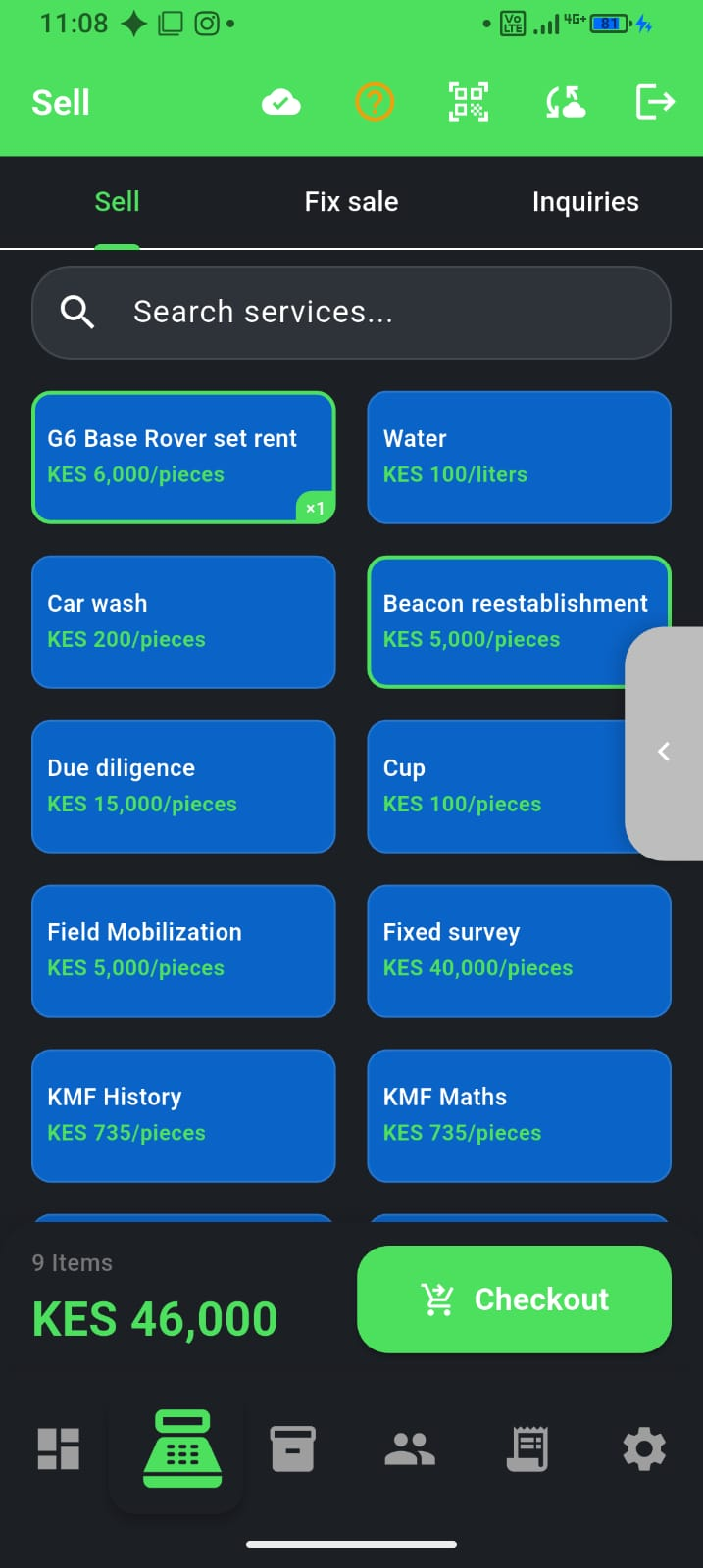
Mobile-first, offline-first POS for MSMEs
Why Kenyan shops need a phone till that keeps selling when data drops.
Offline POS for Kenyan shops
Keep selling when Wi‑Fi drops—how offline-first checkout works.
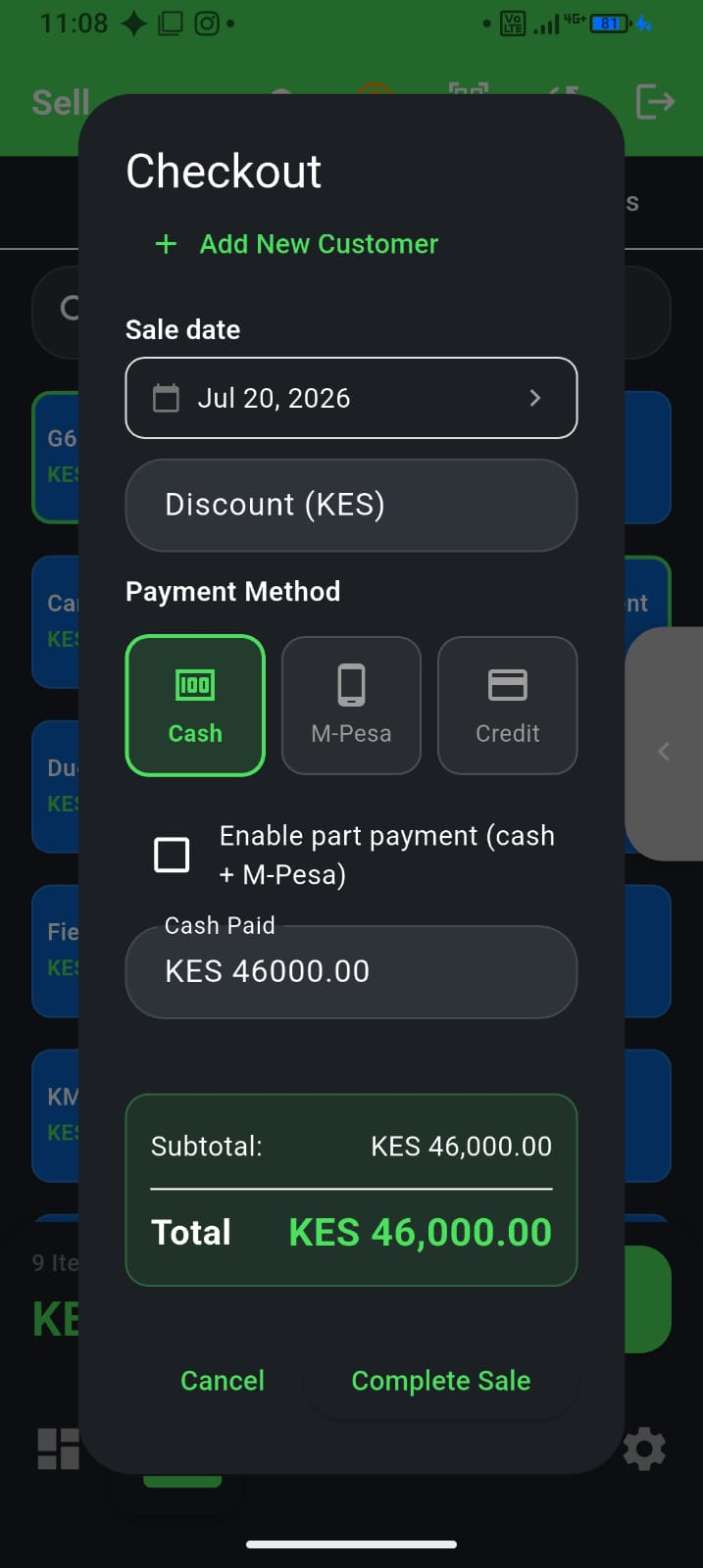
M-Pesa at the counter
Record Lipa Na M-Pesa sales cleanly and keep stock and money aligned.
Turbo checkout for busy counters
Tap-to-sell speed when the queue is long—without leaving F-Biz.
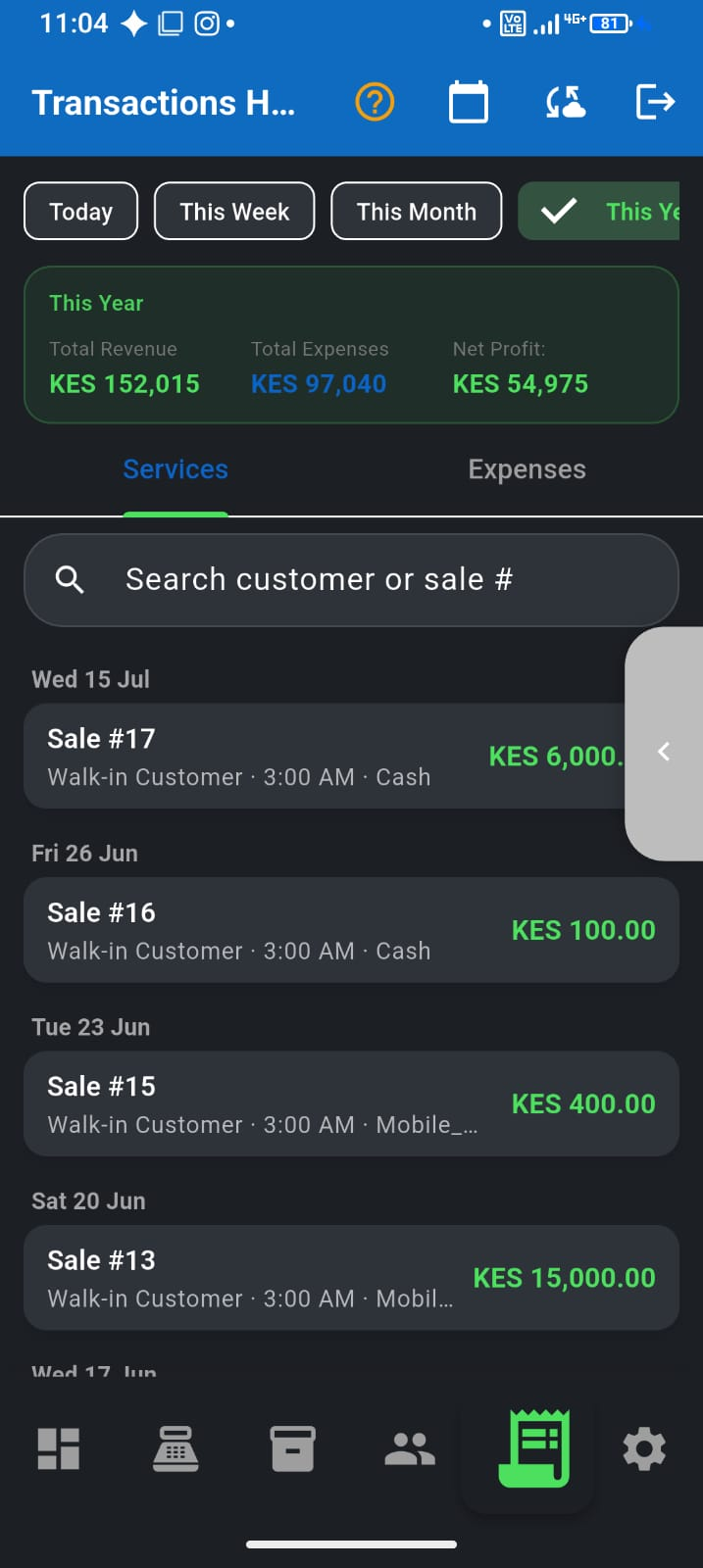
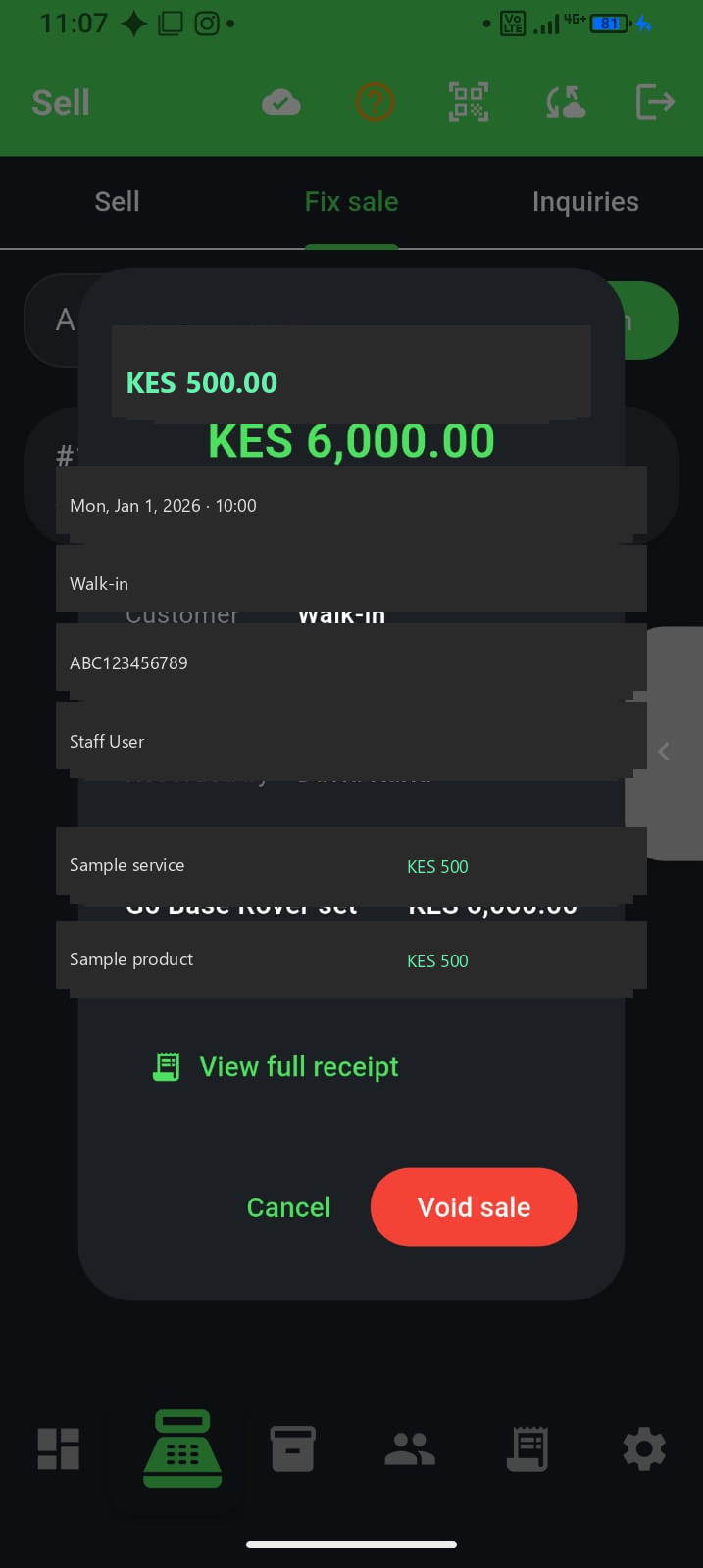
Find a sale and fix mistakes
Use transaction history and Fix sale to void wrong tickets (owner).
End-of-day reconciliation
Sales today vs Collected today—match cash, M-Pesa, and credit before you close.
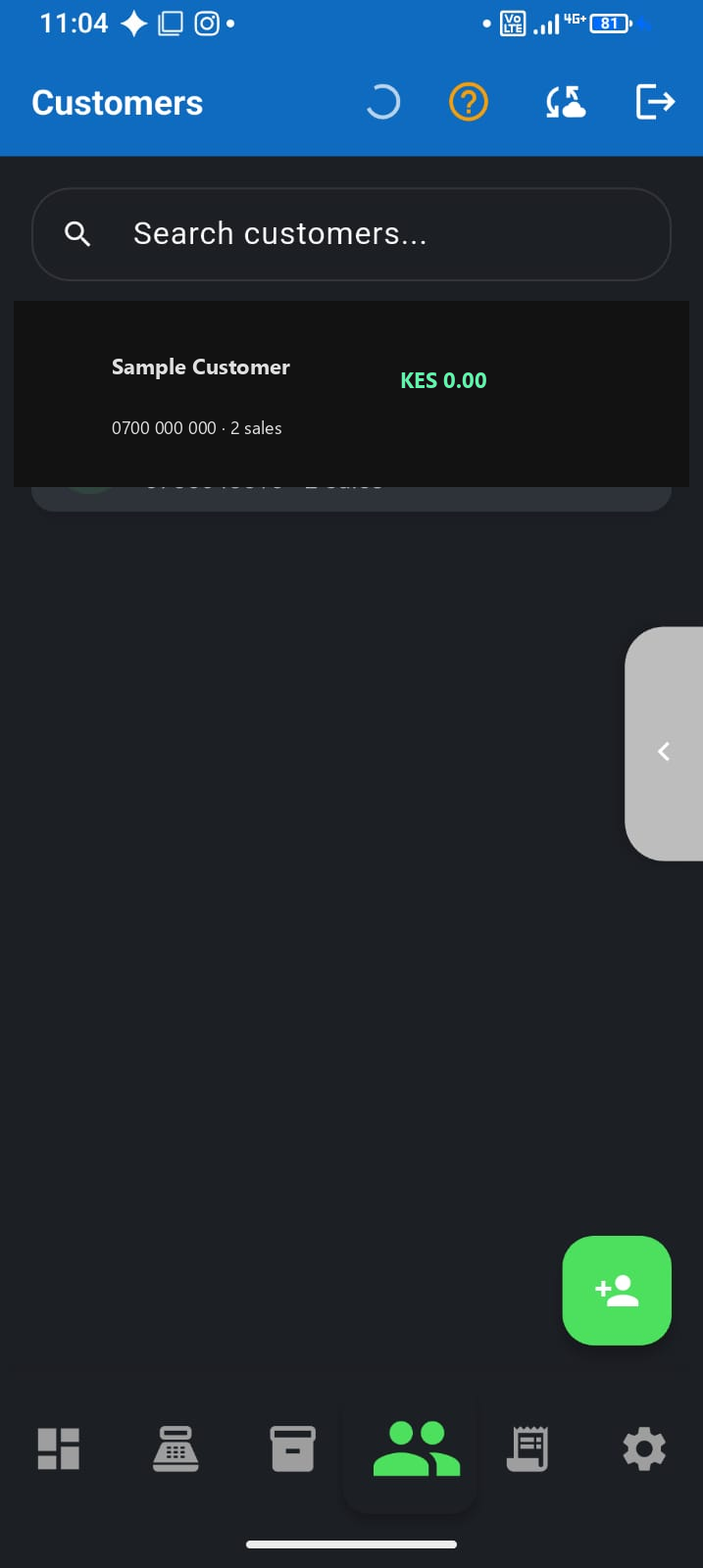
Track customer deni
Know who owes you—add at checkout or Customers, record payments cleanly.
Stock & sales
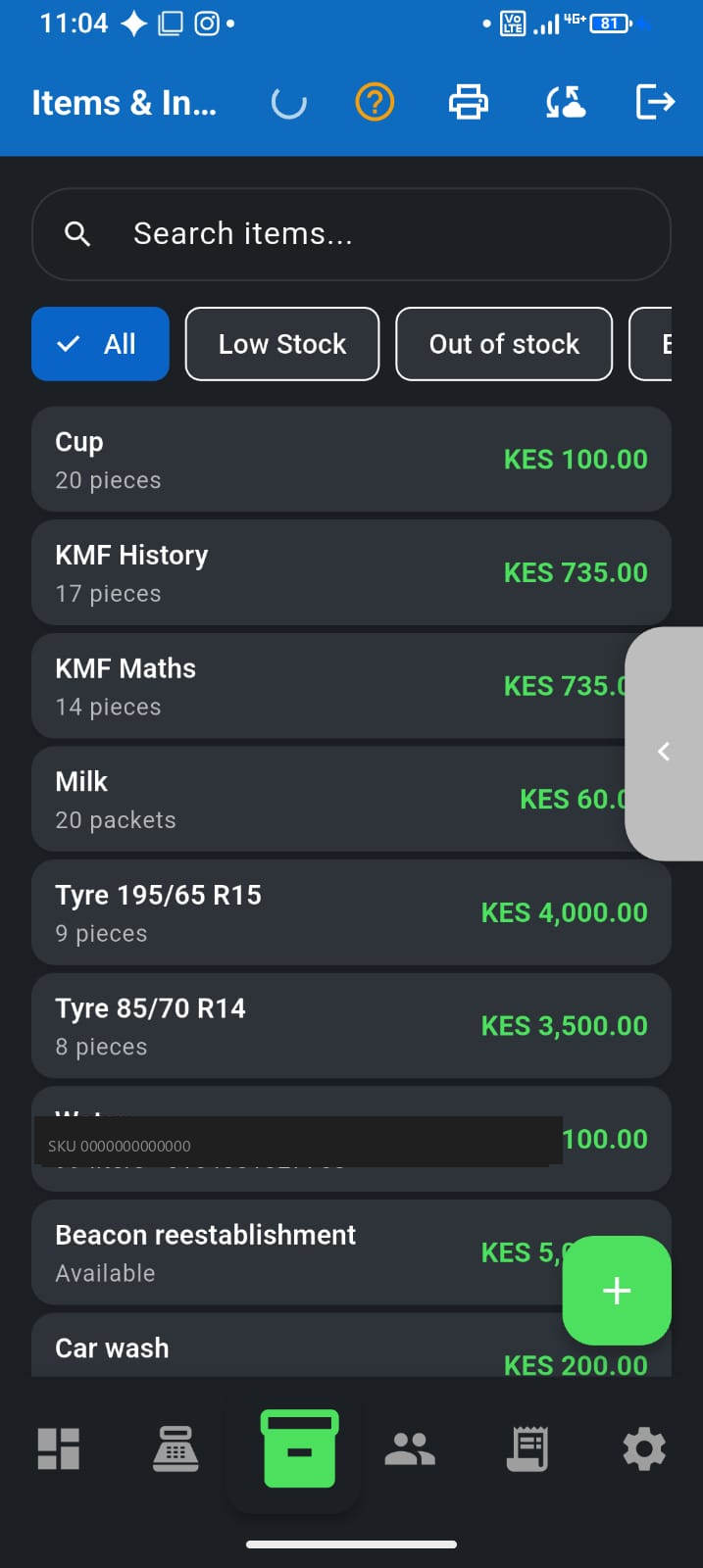
Duka inventory on your phone
Stock levels, barcodes, and low-stock alerts built for MSMEs.
Receive stock, adjust levels & low-stock alerts
Log deliveries, fix counts after a spot-check, and act before shelves go empty.
Publish inventory to F-Biz Market
Choose what customers see online—publish, bulk in-stock, keep the shelf honest.
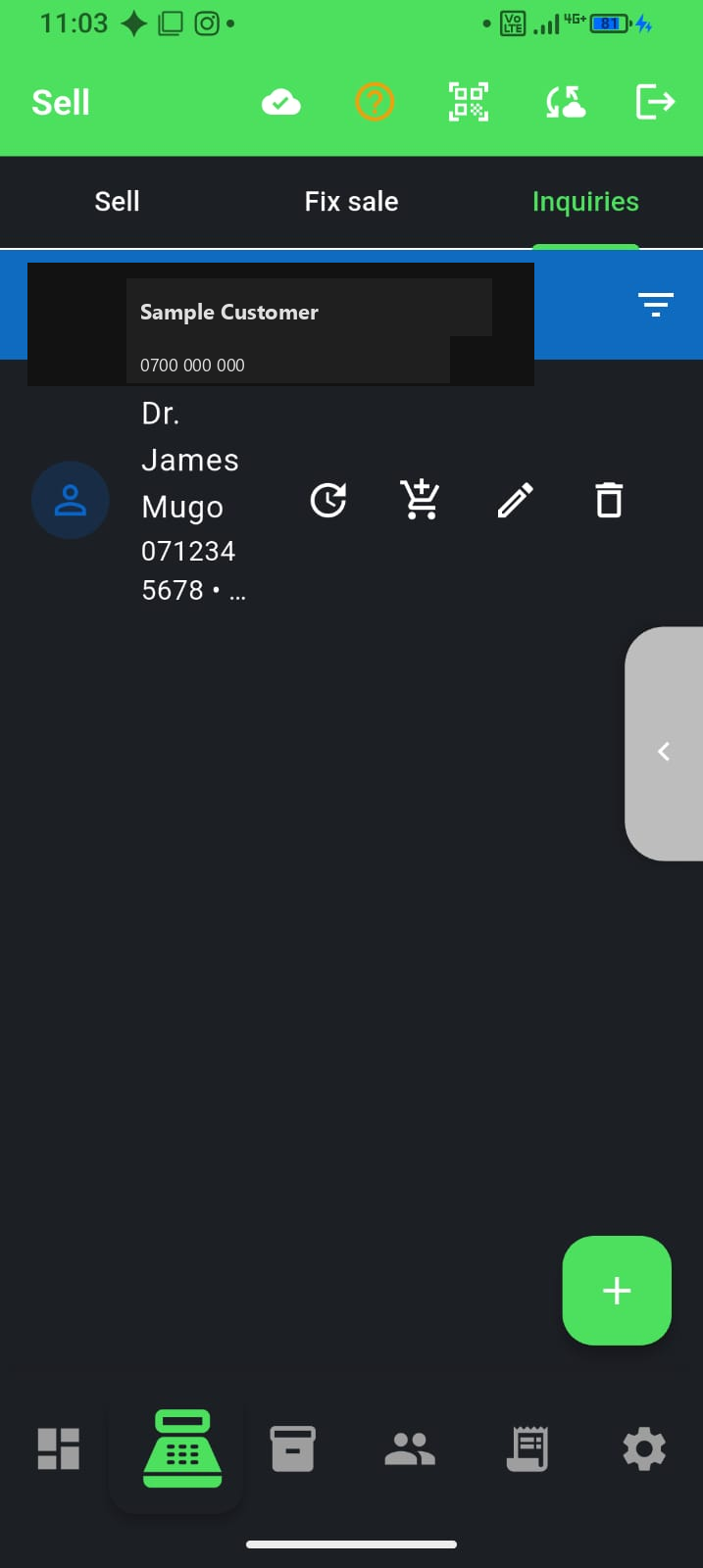
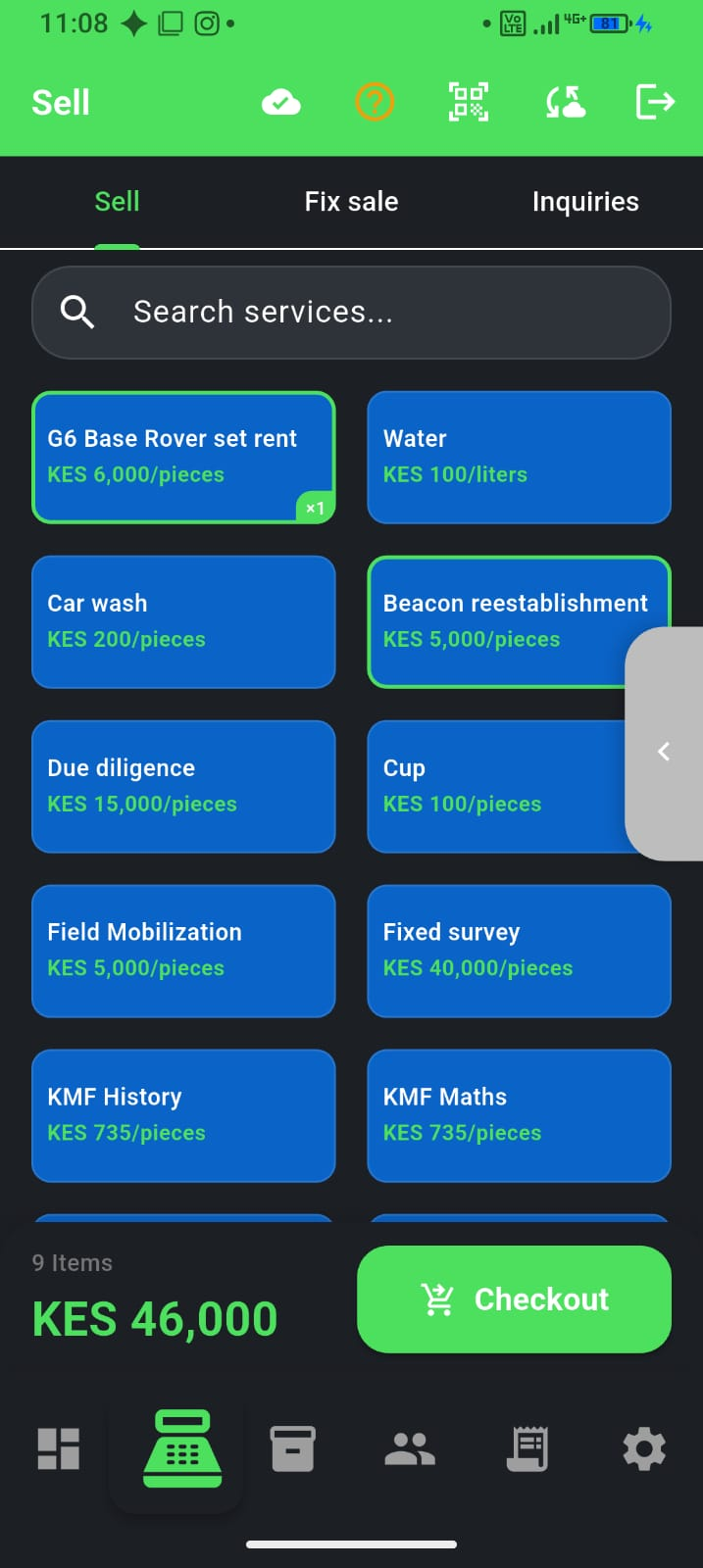
POS for service businesses
Inquiries for leads, bookings for date + time, then convert to sale—not just shelf stock.
Barcode scanning at the counter
Scan packaged goods faster and cut pricing mistakes.
Money & growth
Best POS apps for small shops in Kenya
How to choose a POS in 2026—offline, M-Pesa, Android, and honest pricing.
Notebook vs Excel vs POS for a duka
When the hardcover book starts stealing profit—and what to switch to.
Record M-Pesa and cash without losing stock
One habit that keeps money and shelves aligned on busy days.
SACCO or bank loan with shop records
What lenders want to see—and how to build the file before you apply.
Stop stock shrinkage in a small shop
Theft is only one leak—fix unrecorded sales, deni, and wrong prices.
Starting a duka: first 90 days
A simple money and stock system for your first three months.
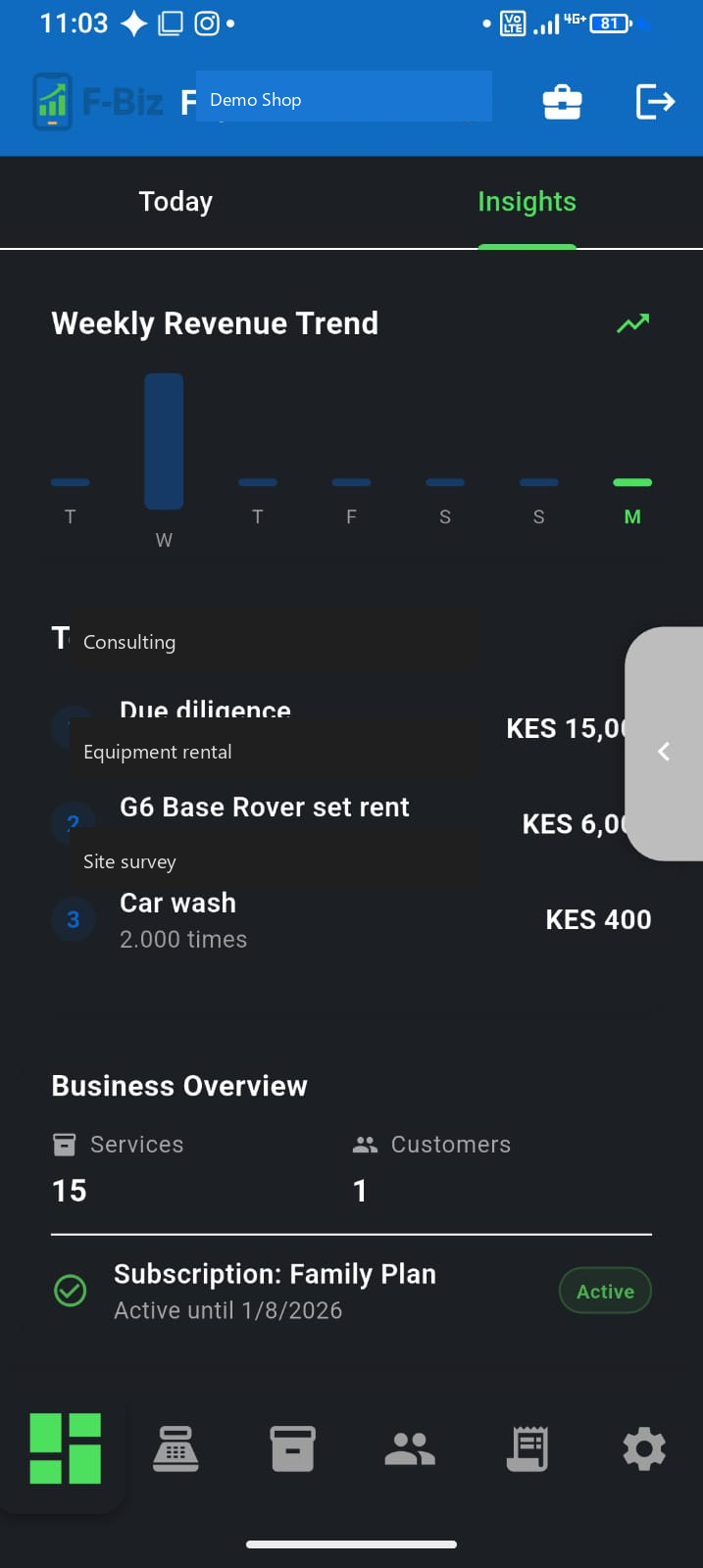
Expenses and real profit
Net cash in the till—not just today's sales.
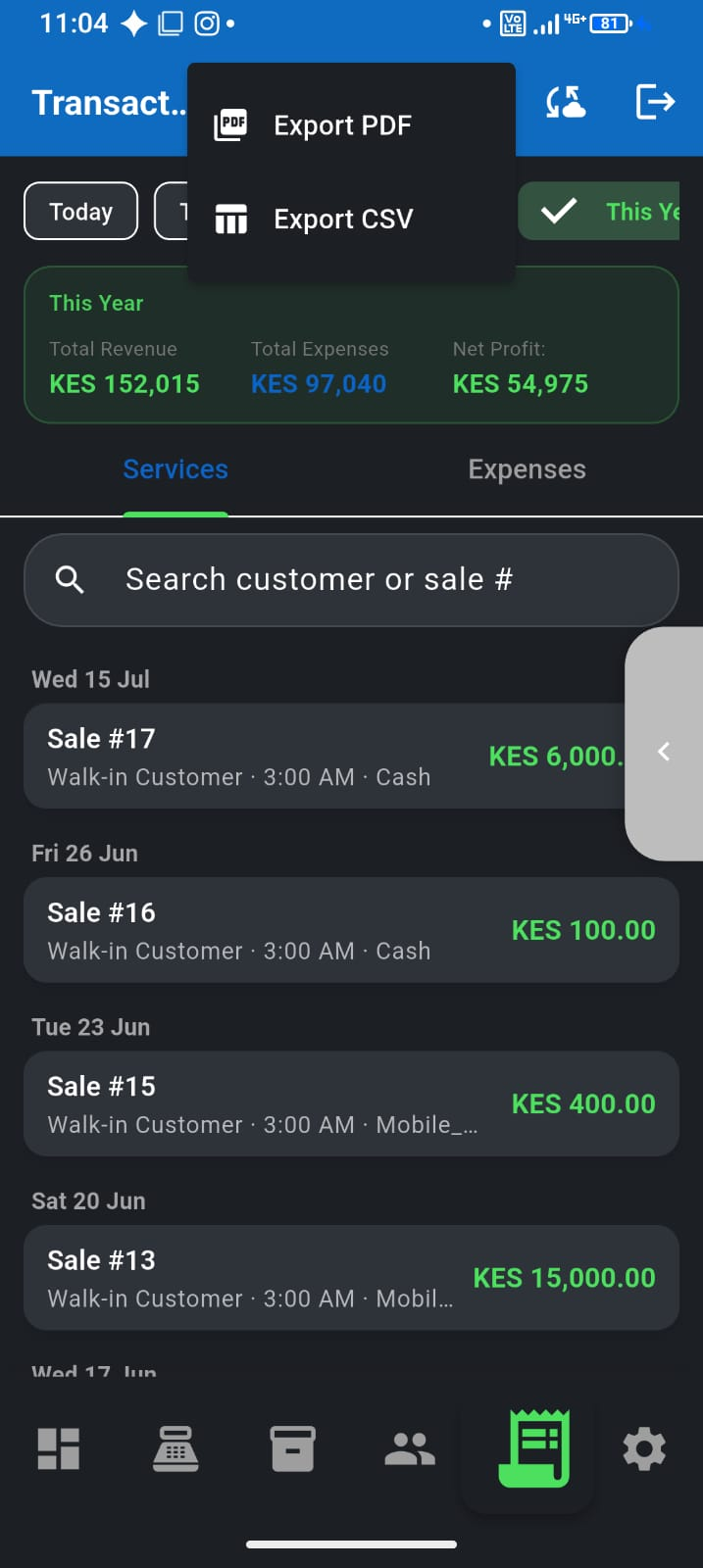
Reports for bank or SACCO loans
Export proof of sales and business health when you apply.
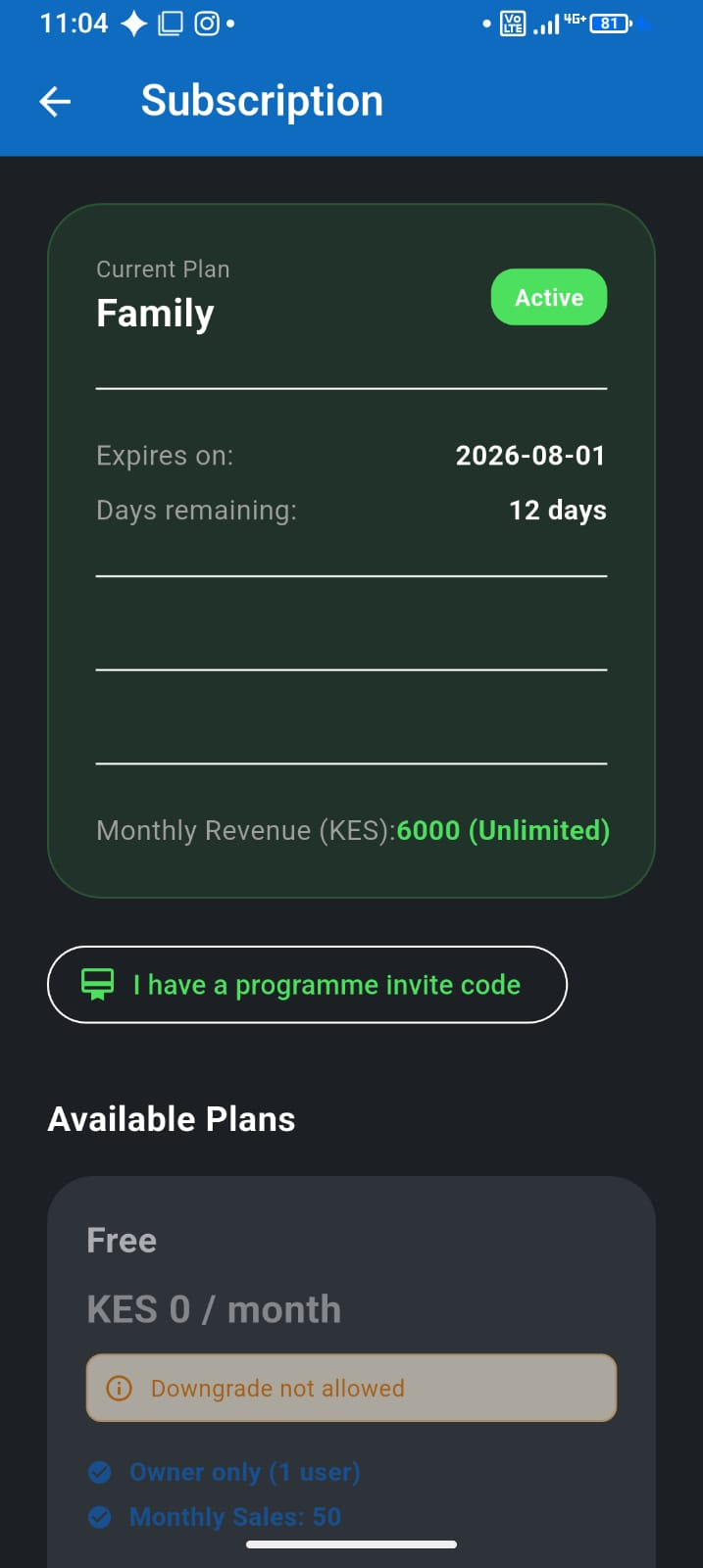
Free, PAYG, Grow & Family plans
Pick the tier that matches your shop stage—from free to pay-as-you-go to monthly plans.
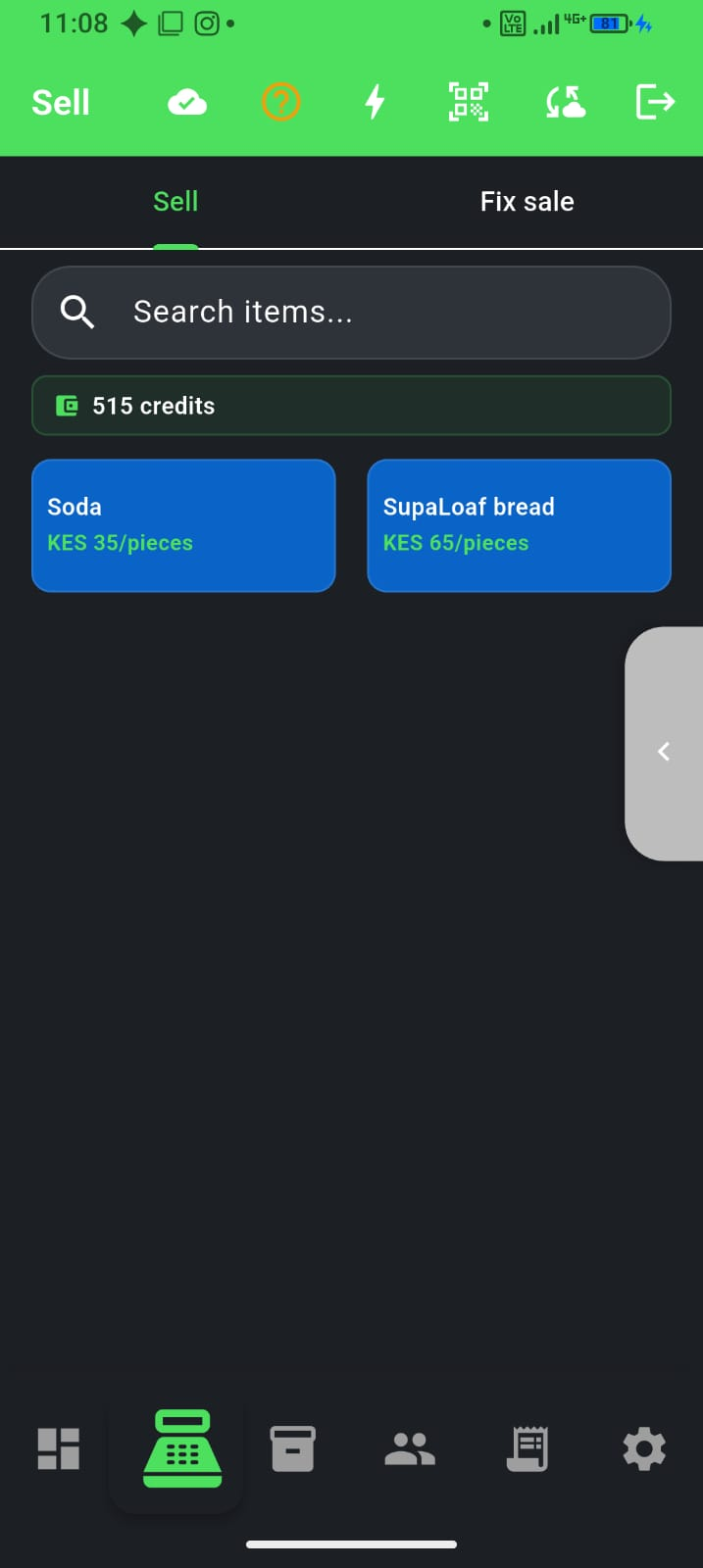
Stay active this month — PAYG credits
Top up credits, hit the monthly unlock, and stay eligible for Market.
Team & scale
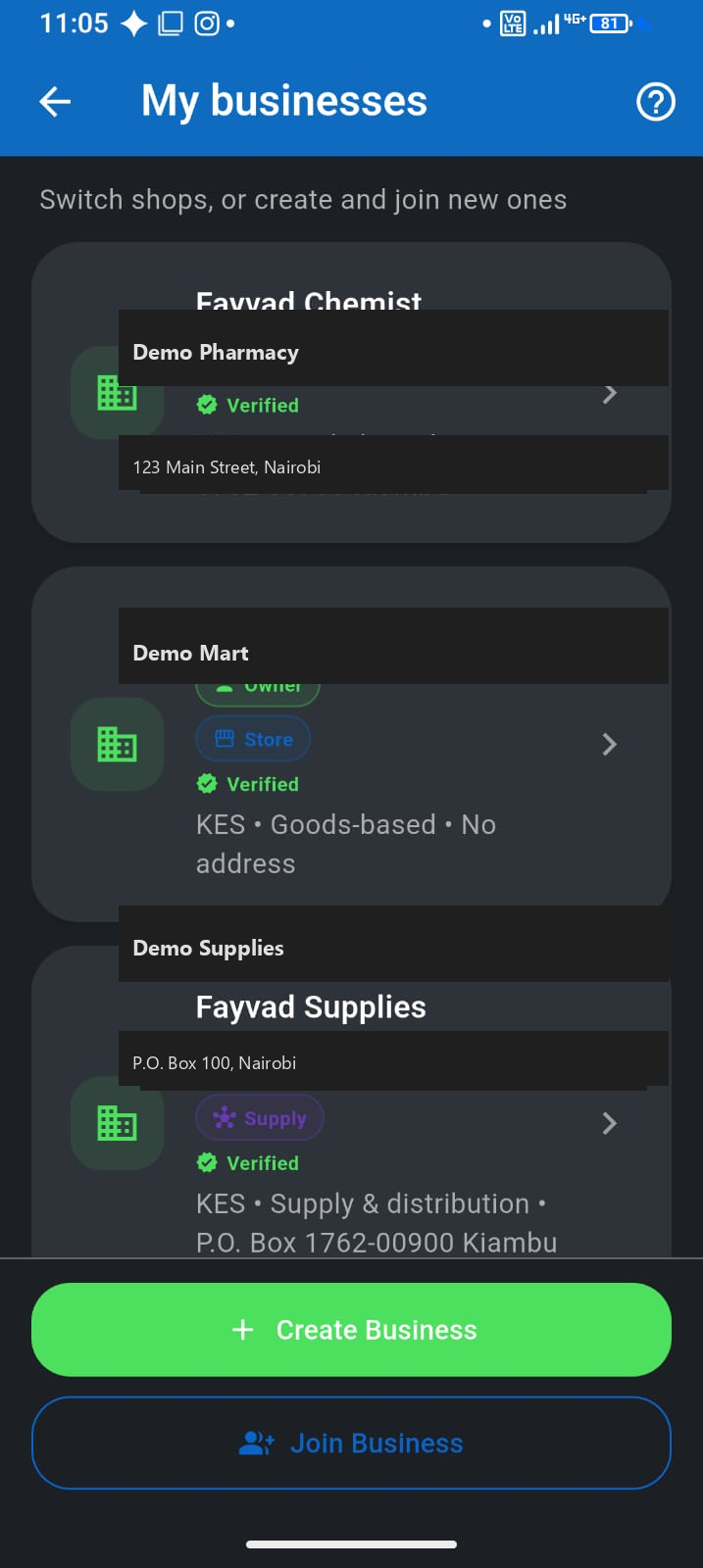
Multiple businesses on one phone
Run chemist and side hustle from one login—switch in seconds.
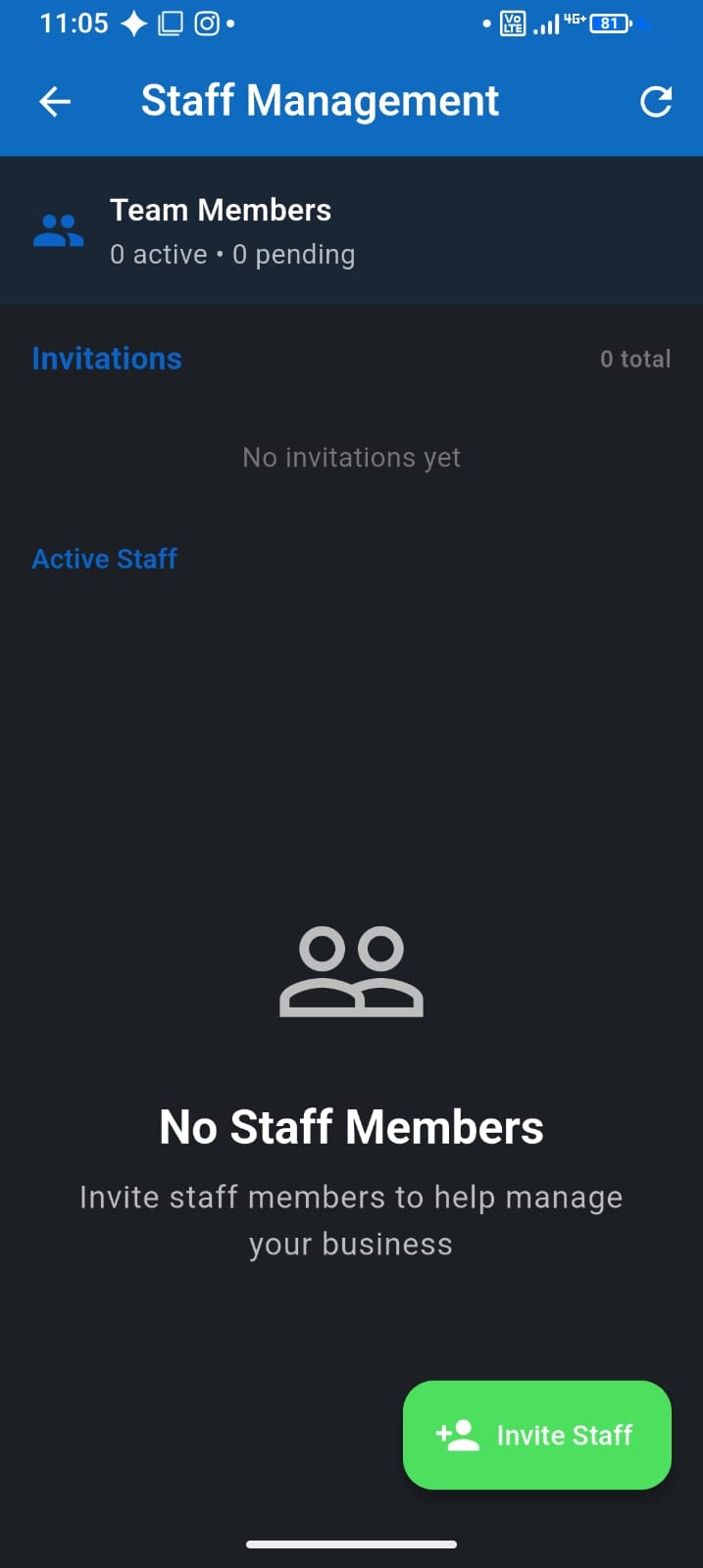
Staff and family shop setup
Add a cashier safely on Family plan and up.
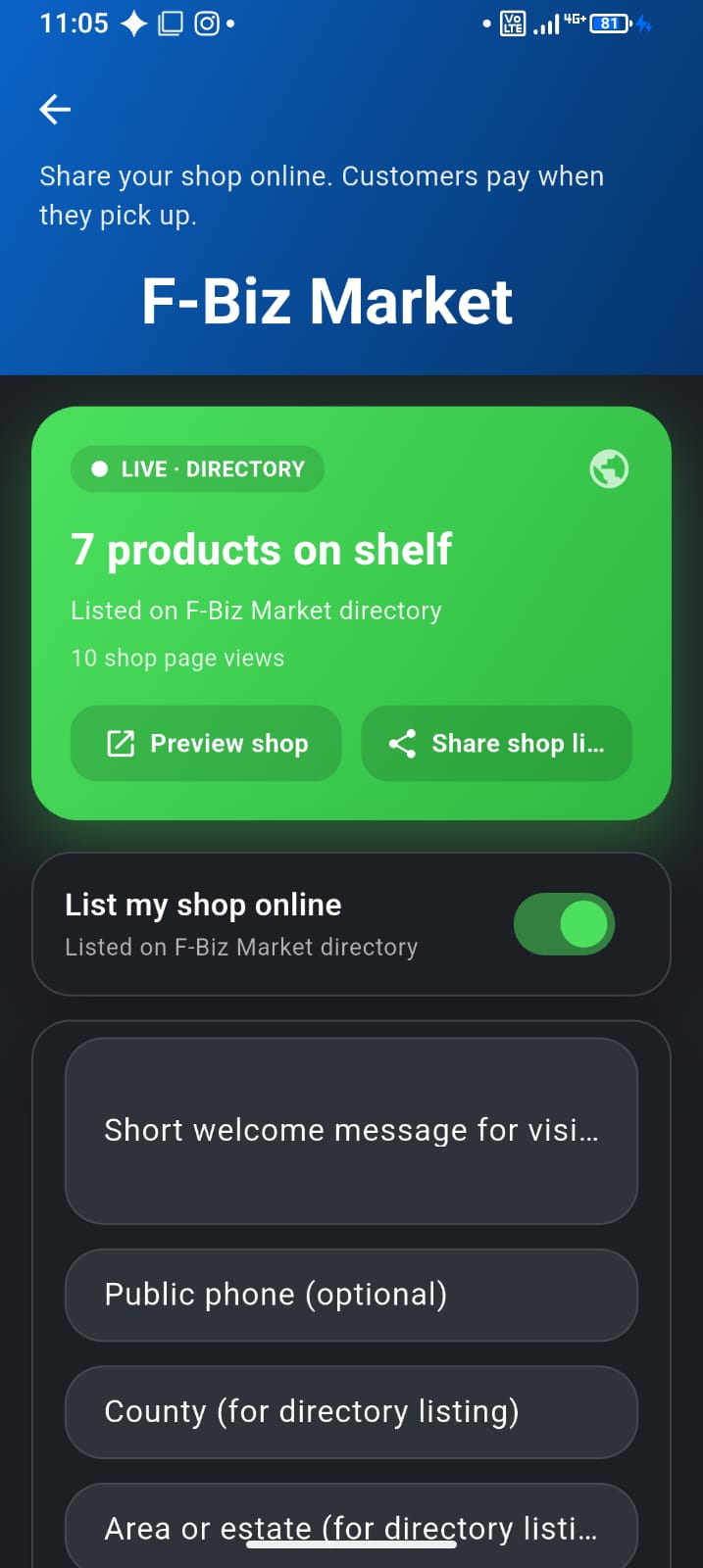
List on F-Biz Market
Share your shop online—customers pay when they pick up.
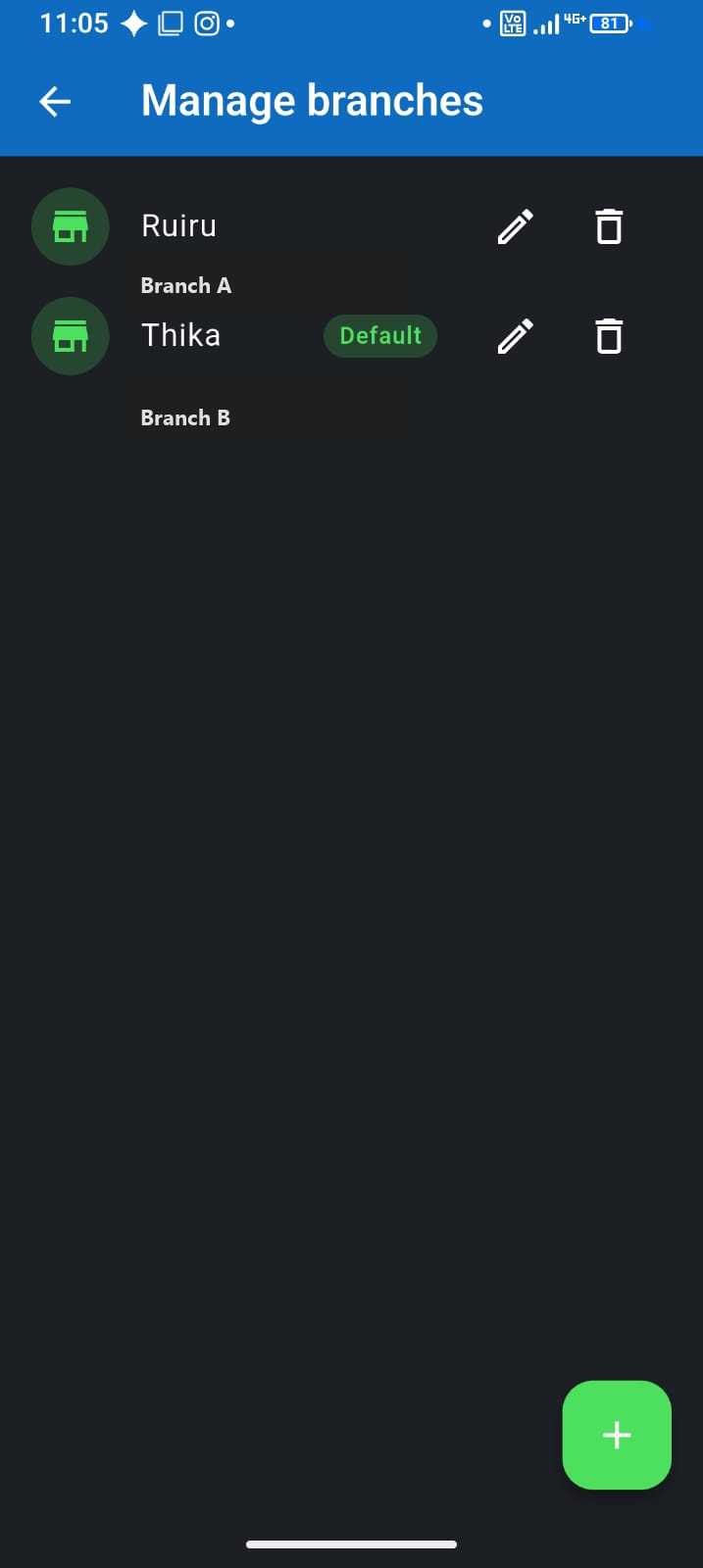
Manage shop branches
Separate sales by location when you grow to Team plan.